v7.6.0

Q-net Pro v7.6.0 has been released. This major release introduces an AI Assistant, WebRTC video calls, and workflow-based profiles for Smart Ticket and Customer Feedback, along with security hardening and many smaller improvements and fixes.
New features
AI Assistant
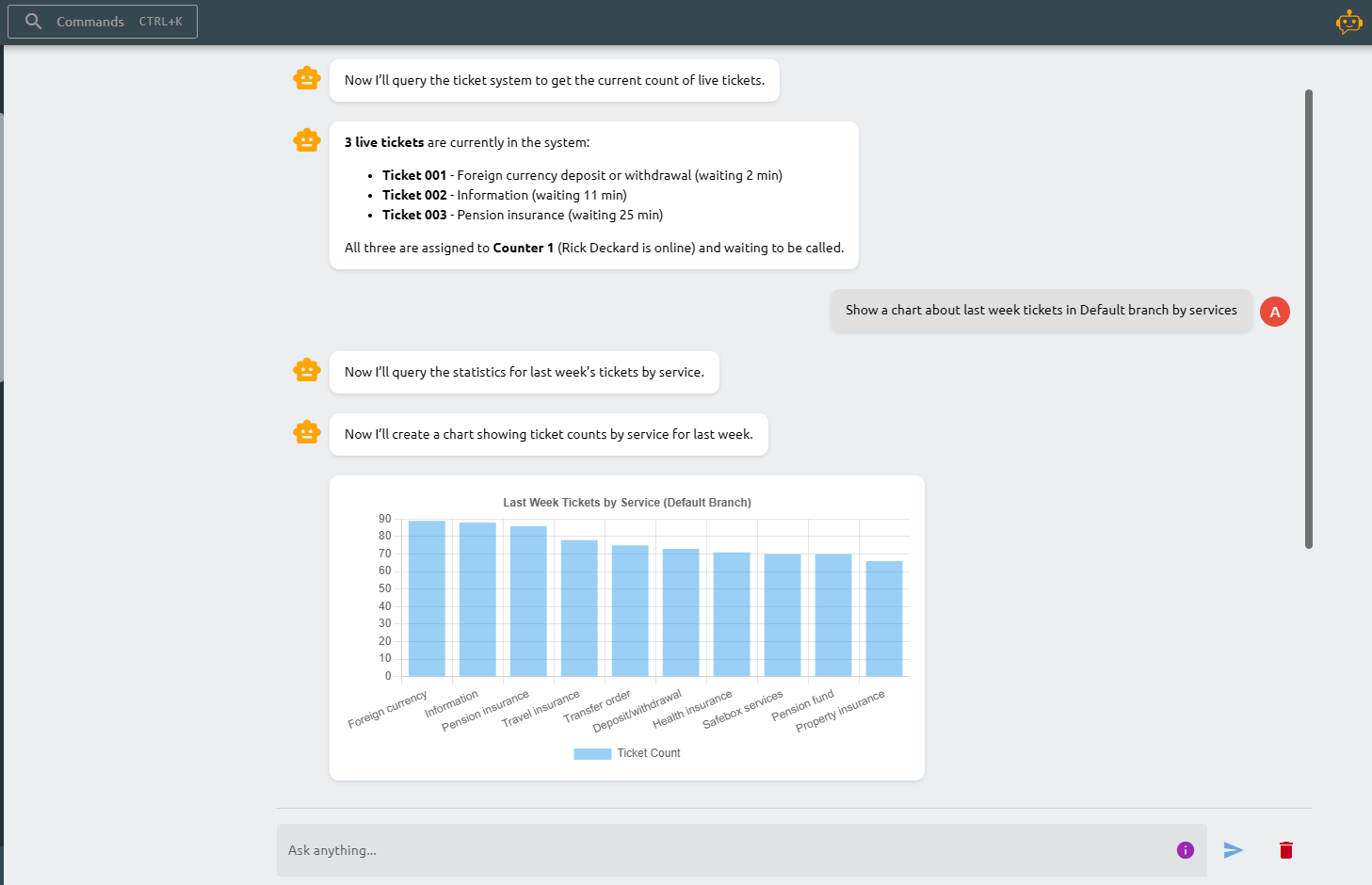
A built-in AI Assistant is now available from the header and the command palette. Administrators can ask questions in natural language instead of navigating the configuration menus. It can answer questions about the system and its settings, query statistics, look up configuration entities, modify the configuration (with a review step before saving), and analyze log files (including on remote DC machines).
It supports multiple languages with automatic detection and keeps a summarized conversation history. Access can be controlled per role and permission.
WebRTC Video Call
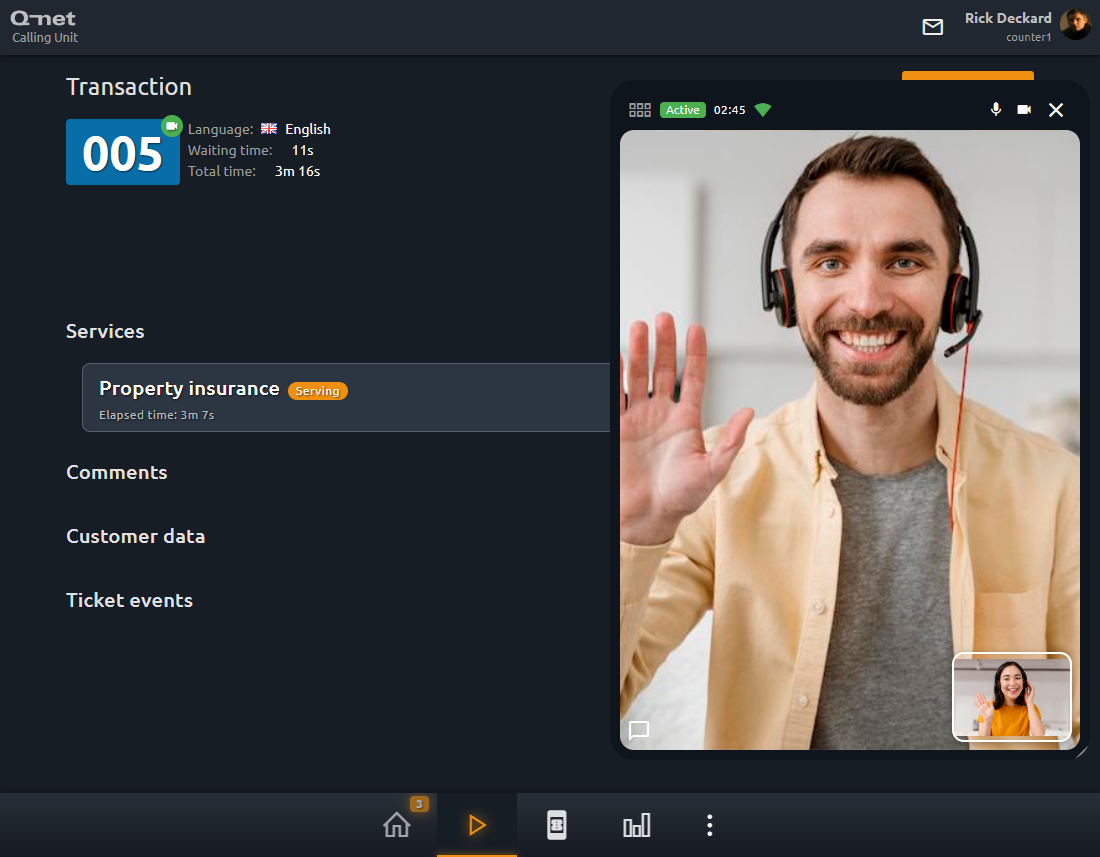
Two-way video calls between clerks and customers over WebRTC. Video call tickets are excluded from waiting-area displays and voice announcements. Requires the SH82 (Smart Ticket) and SH89 licenses, and can be enabled per branch.
Workflow-based Profile for Smart Ticket
Following the workflow-based ticket dispenser profiles from v7.5.0, the same visual, no-code workflow editor is now available for Smart Ticket (mobile ticketing). Profiles are built from pages and dialogs — branch and service selection, booking, feedback, forms, custom dialogs — with configurable navigation, variables, and event reactions.
Workflow-based Profile for Customer Feedback
The Customer Feedback profile can now also be built as a workflow-based profile using the same visual editor.
Common
- Migrated the platform to JDK 25, with a smaller bundled runtime.
- Added a Spanish translation.
Security
- Added brute-force protection for login (rate limiting and temporary lockout).
- Fixed reflected XSS issues and added input sanitization.
- Switched Smart Token encryption (old static Smart Ticket tokens will not work).
- Added security response headers.
Administration
- New permission to disable manual calling in case of auto-call.
Media Player
- Can now display extra ticket data, e.g. customer data values or customer photo.
Statistics
- New
waitFirstfield (waiting time up to the first call only). - New
activeClerkCountfield on tickets and aggregated data. - Half-hour and hourly breakdown options for time-based reports.
- Multiple sort columns and ticket search in the header.
When upgrading from v7.5.x or earlier, you must uninstall the old version and install the new one. Replacing the jar files is not sufficient.