Ticket Dispensers
Configuring the ticket dispensers
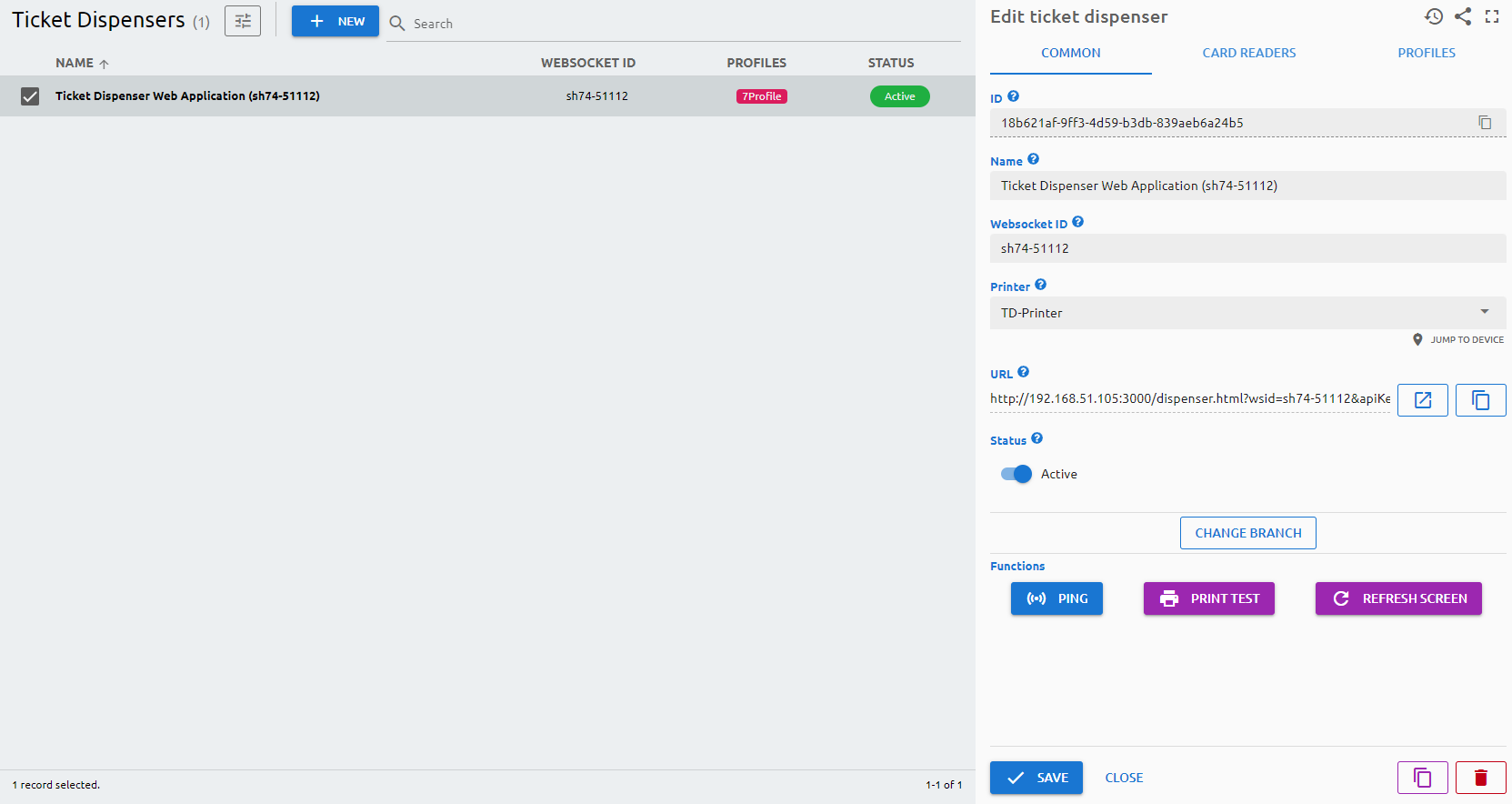
The main element of the system, you can configure the ticket dispenser on this page.
Parameters
Common
Missing page (
dispensers) or tab (common) in fields.yml!Card Readers
Missing page (
dispensers) or tab (cardReaders) in fields.yml!Profiles
You can select and assign the ticket dispenser profile here. Press the + button to select the profile you want to add. You can extend or shorten the duration of the profile on the given day by dragging the edges of the label. By right-clicking on the label, you can clone all profiles of that day to every day of the week, delete just the selected profile, or delete all profiles assigned to that day.
Functions
- Ping: to check if the device is online and reachable in the network.
- Print Test: to print a test ticket on the printer which is assigned to the ticket dispenser.
- Refresh Screen: refresh the screen of the ticket dispenser
- Re-pair: pair the ticket dispenser with the system again