Answers
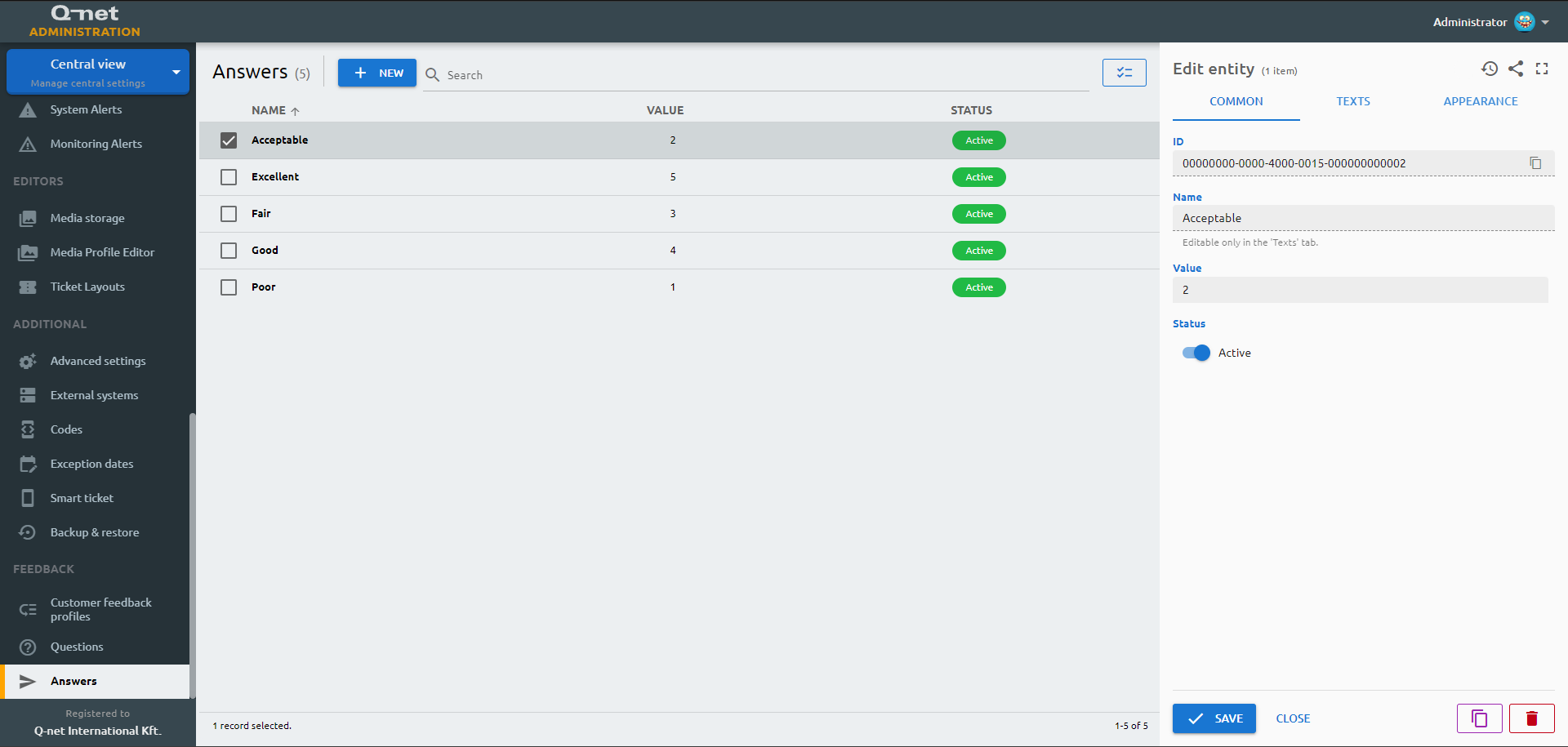
To create answers that can be selected by the customers for the given questions, click "New", or select an available answer to edit it.
Common tab
On the "Common" tab You can see the ID of the answer and you are able to edit the following parameters:
Missing page (
answers) or tab (common) in fields.yml!Texts tab
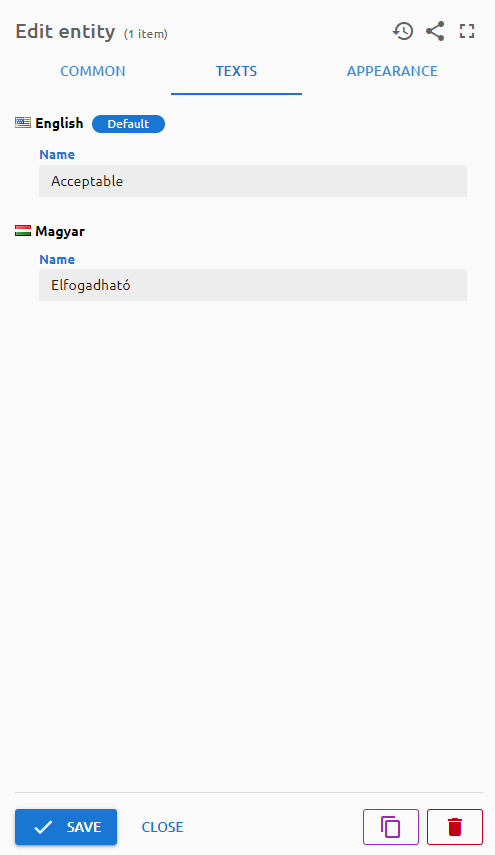
Enter the required text of the answer on the available languages.
Appearance tab
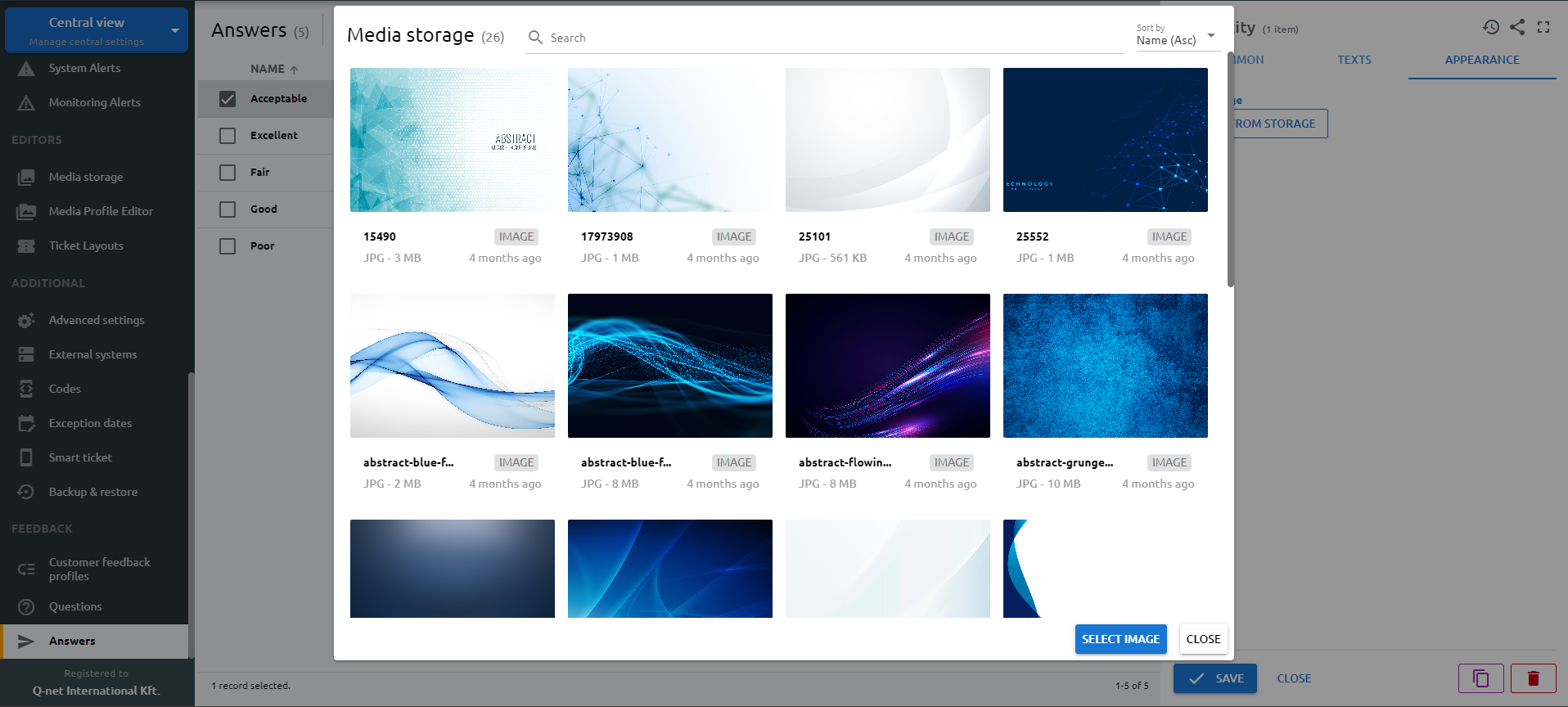
On this page the appearance of the answer can be customized by assigning an image that is shown on the answer button instead of its text. Choose one of the available images and click the "Select from storage" button. Once an image is selected, you can also choose how it fits the button. Further images can be uploaded in Editors > Media storage menu.