Backup / Restore
The system is capable to create backups and restore them. The backups by default only contains the configuration of the server (including device settings, user configurations and device profiles), however the user can select to include the events, statistics and media files as well if required.
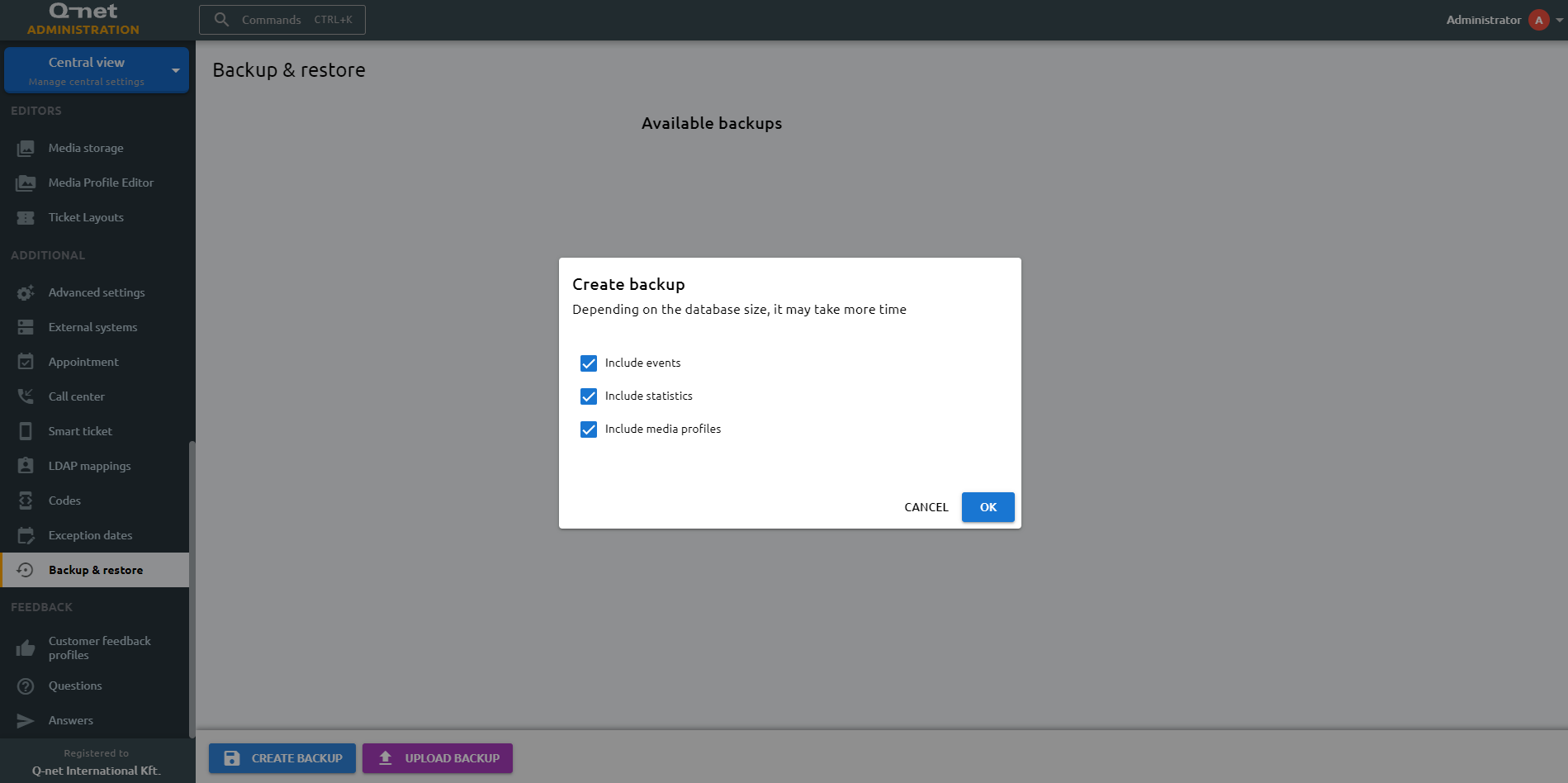
Backup
To create a new backup, click the Create backup button at the bottom left of the screen. A dialog opens where you can choose what to include: the configuration is always included, while events, statistics and media files are optional. Confirm with OK to create the backup. The backup file is stored in the backup folder, under the installation folder. A selected backup can be saved to your computer with the Download button.
Restore
To restore a backup, select one from the list and click the Restore button; a dialog then lets you choose what to include before you confirm. You can also bring in an existing backup file from your computer with the Upload backup button. A selected backup can be removed with the red trash bin icon.