Number intervals, Services, Service groups
Ticket number intervals
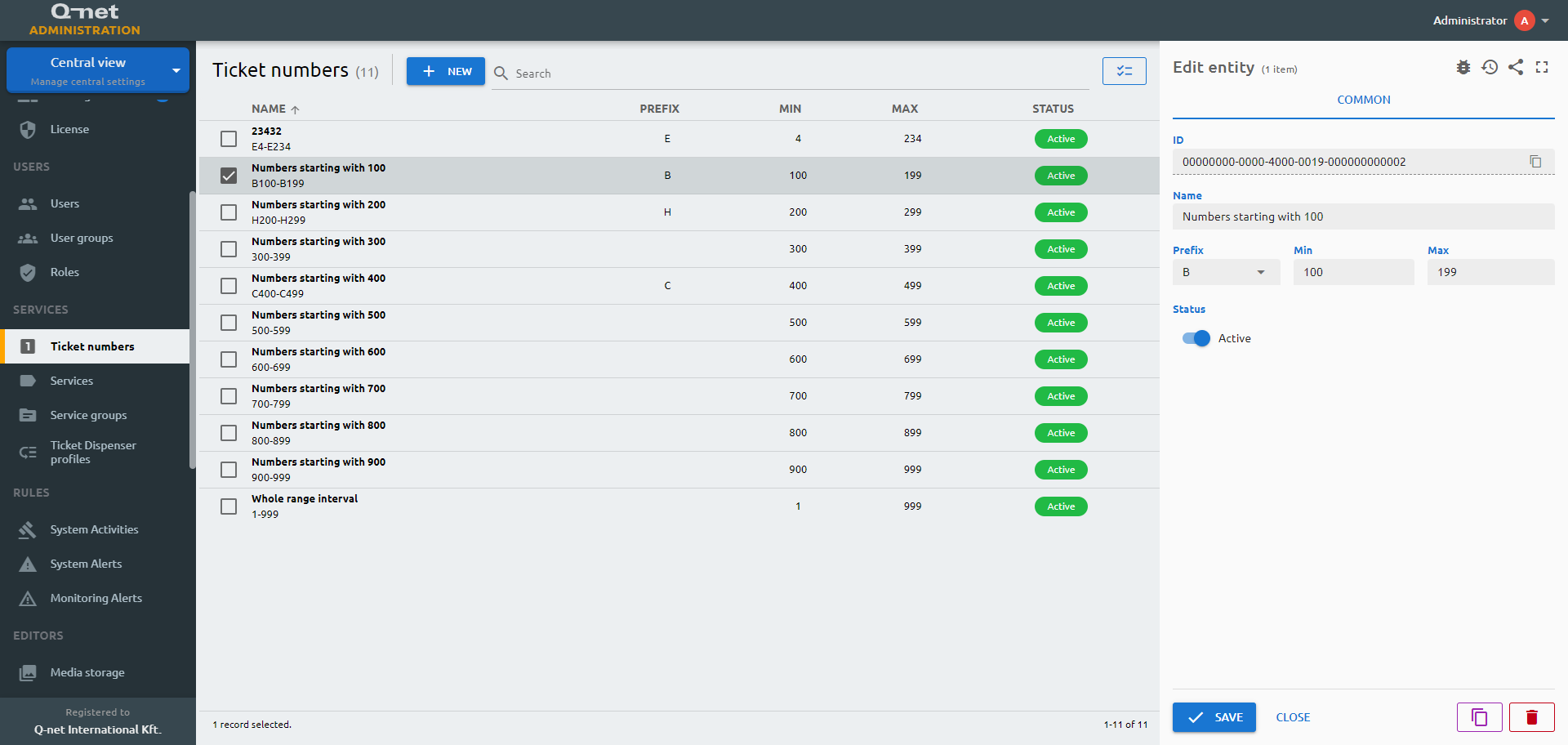
Services available on the ticket dispenser will have a queue. To separate the queue with the help of the number interval assignment is a help in case of large number of transactions dealt within the branch. There are predefined intervals which can be customized or you can create one based on individual plans.
Common tab
number-intervals) or tab (common) in fields.yml!Services
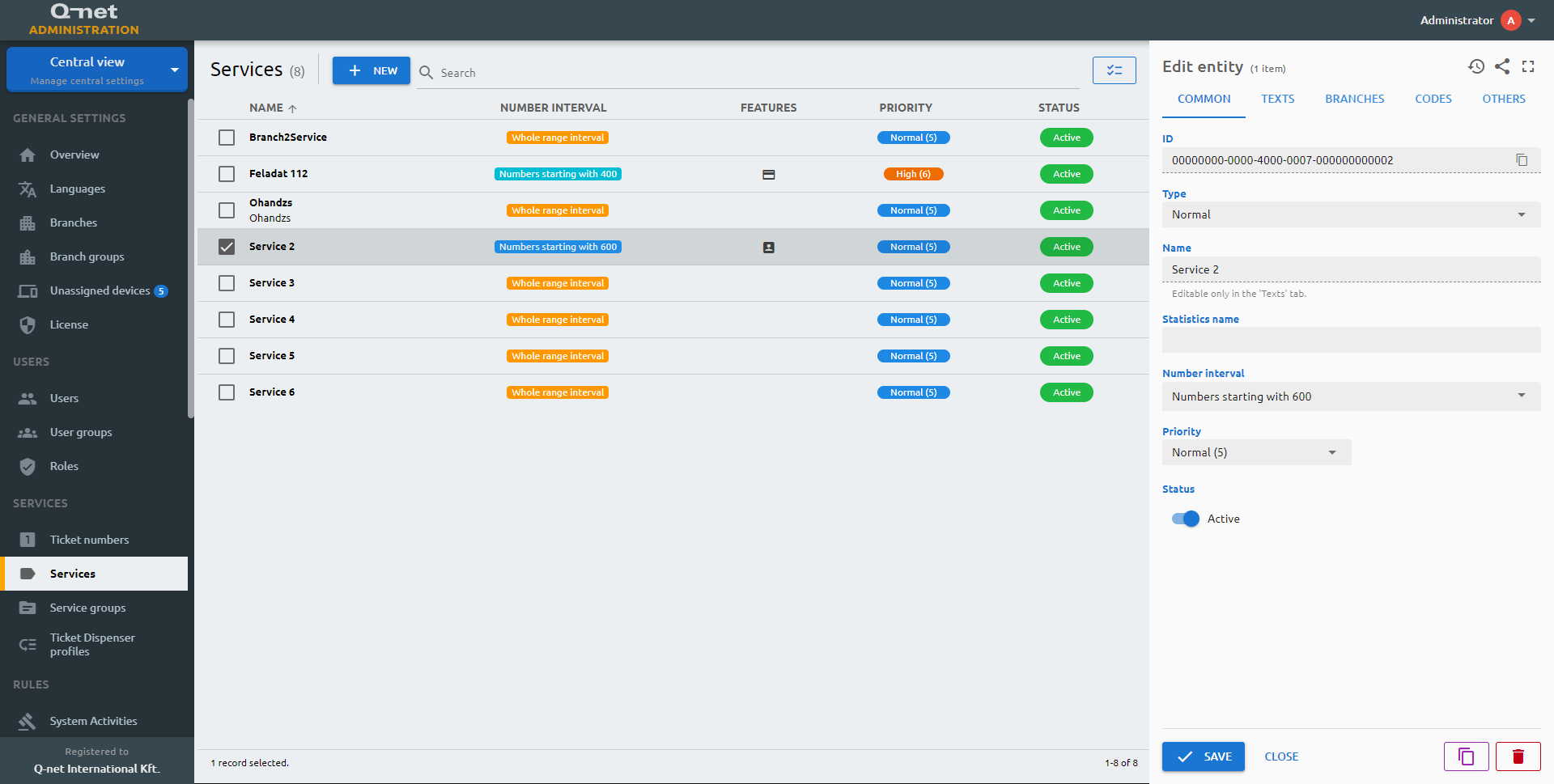
One of the most important setup stage – the services. Here you will be able to add the services that will appear on the ticket dispensers as per configuration.
Common tab
services) or tab (common) in fields.yml!Texts tab
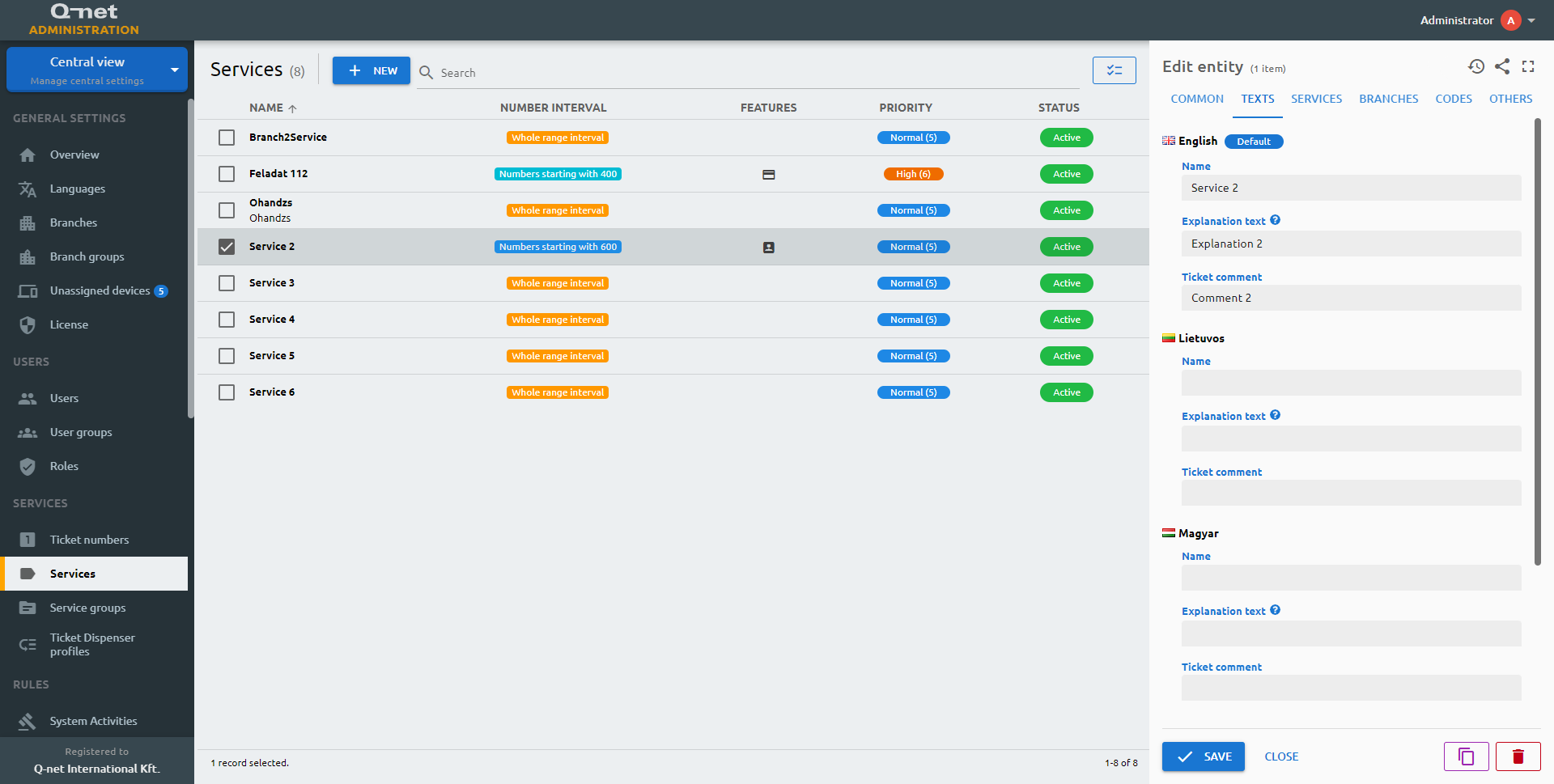
You can edit the texts related to the service in every enabled language in this tab. The explanation text can show up on the dispenser as a description and the ticket comment on the actual ticket.
Services tab
You can add and modify the order of the included services here for a chained service type.
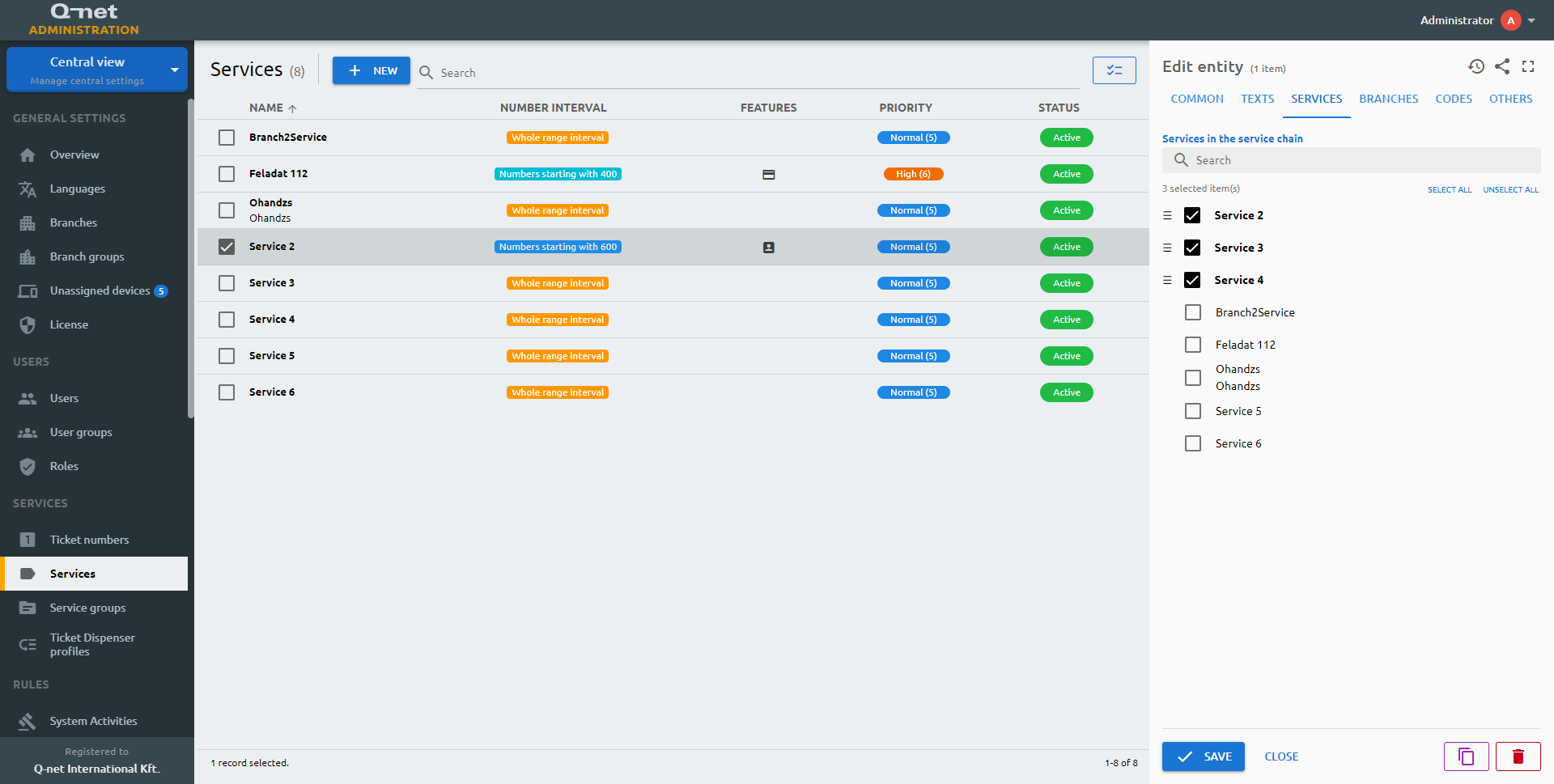
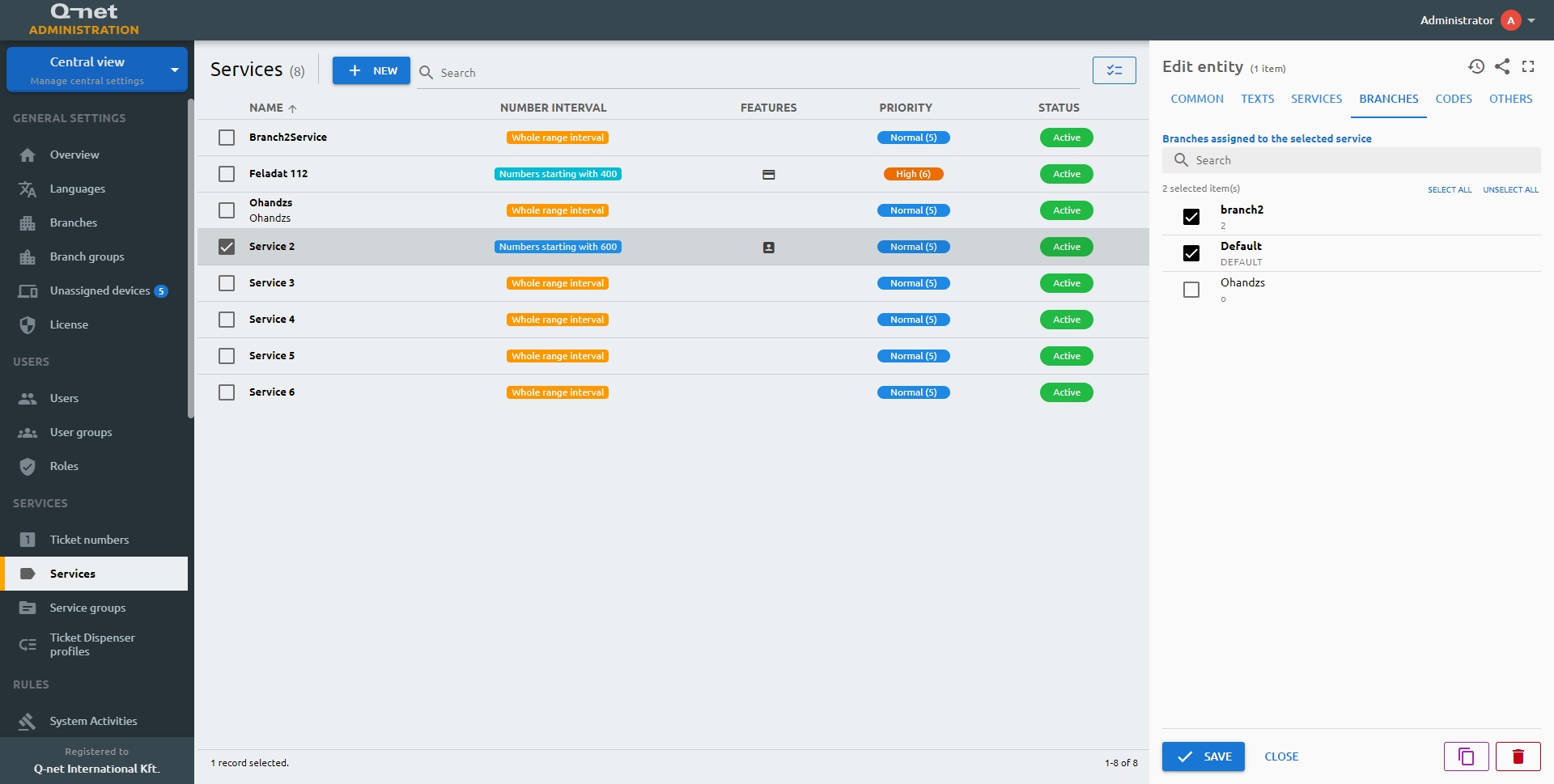
Branches tab
The branches that should handle the service can be selected here.
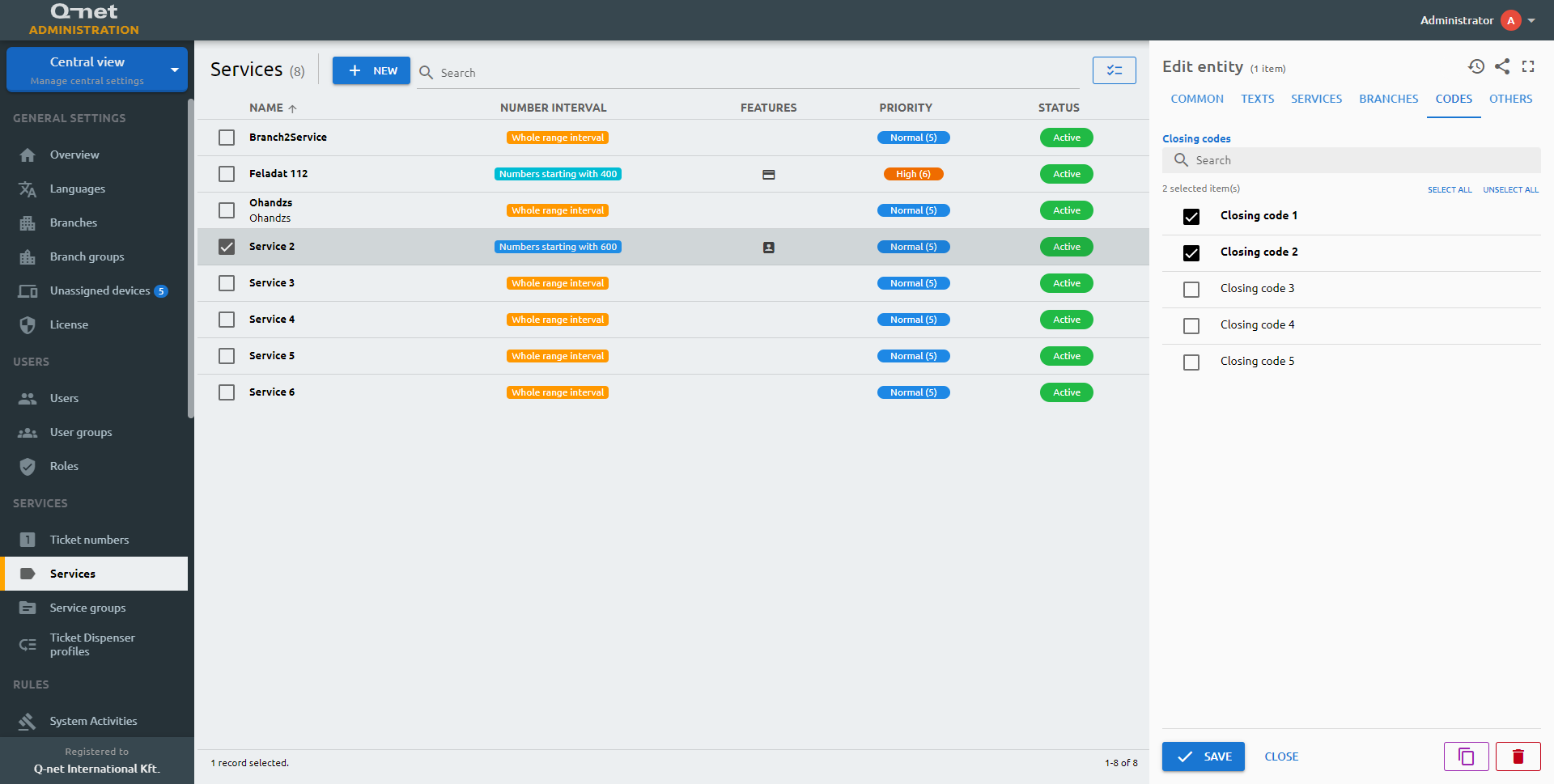
Codes tab
You can pick the closing codes for the service here.
Others tab
services) or tab (others) in fields.yml!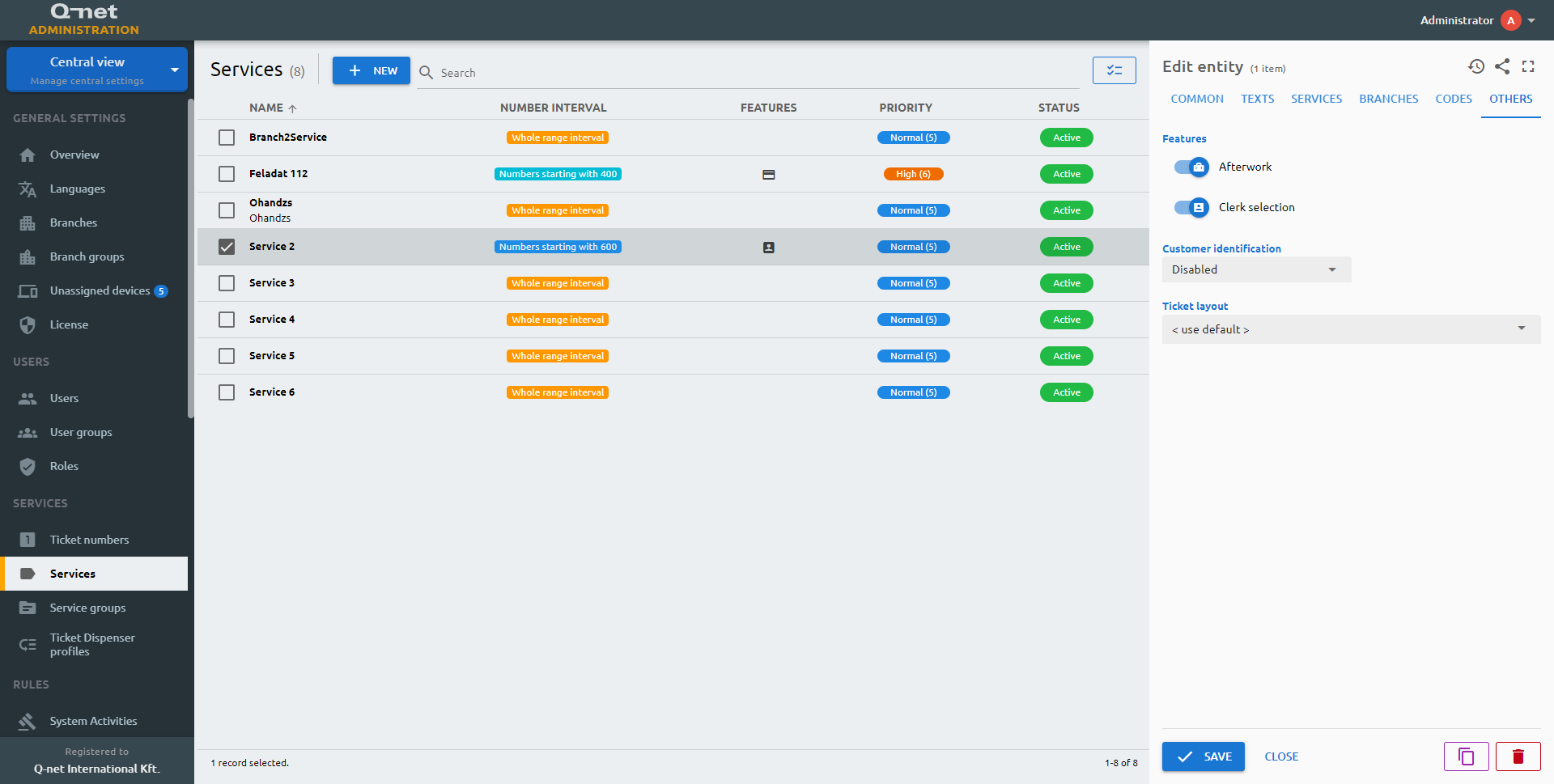
Service groups
Common tab
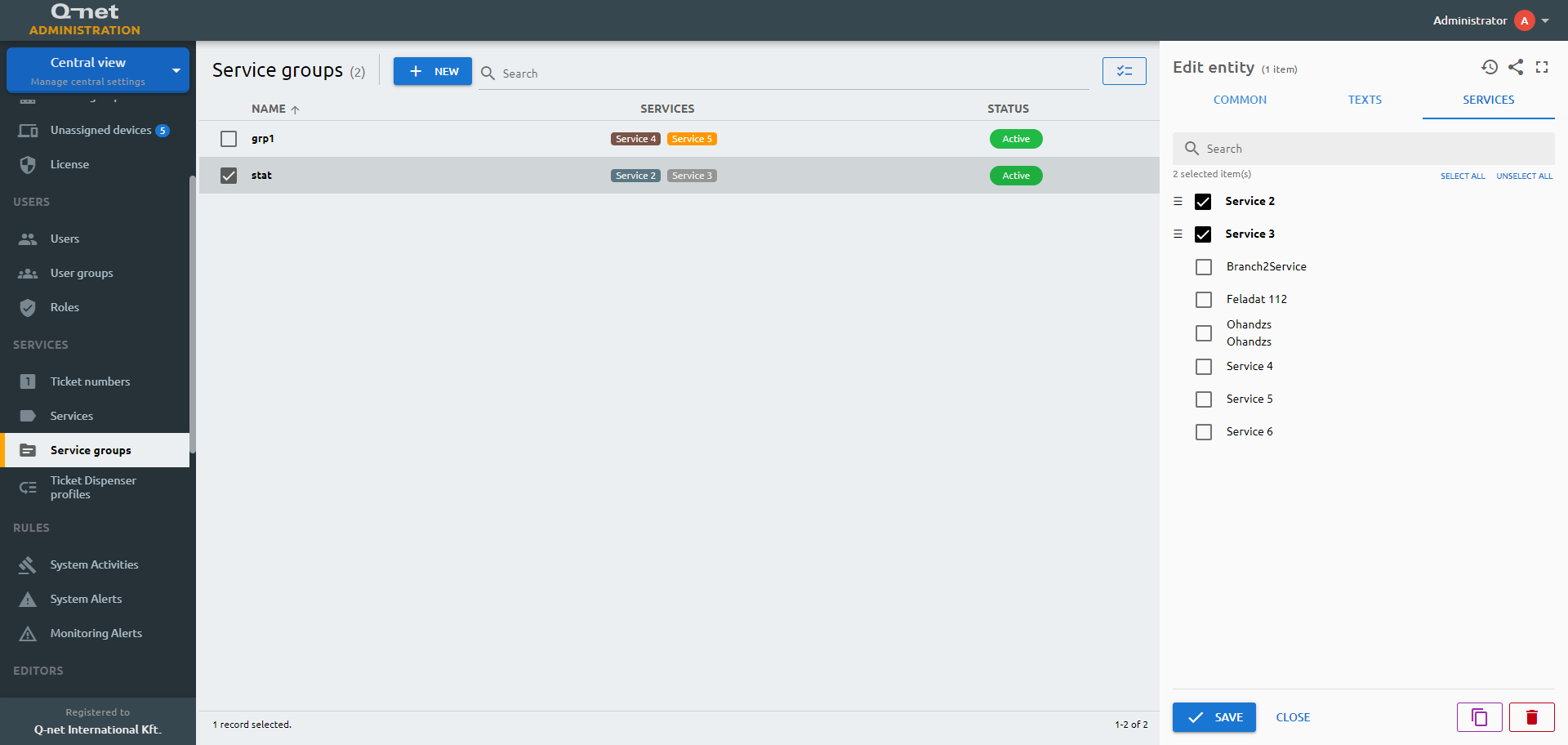
Service groups are folders for services. The groups contain logically planned or relevant items. Groups can contain further groups as well and with this method any number of services can be displayed on the ticket dispenser.
service-groups) or tab (common) in fields.yml!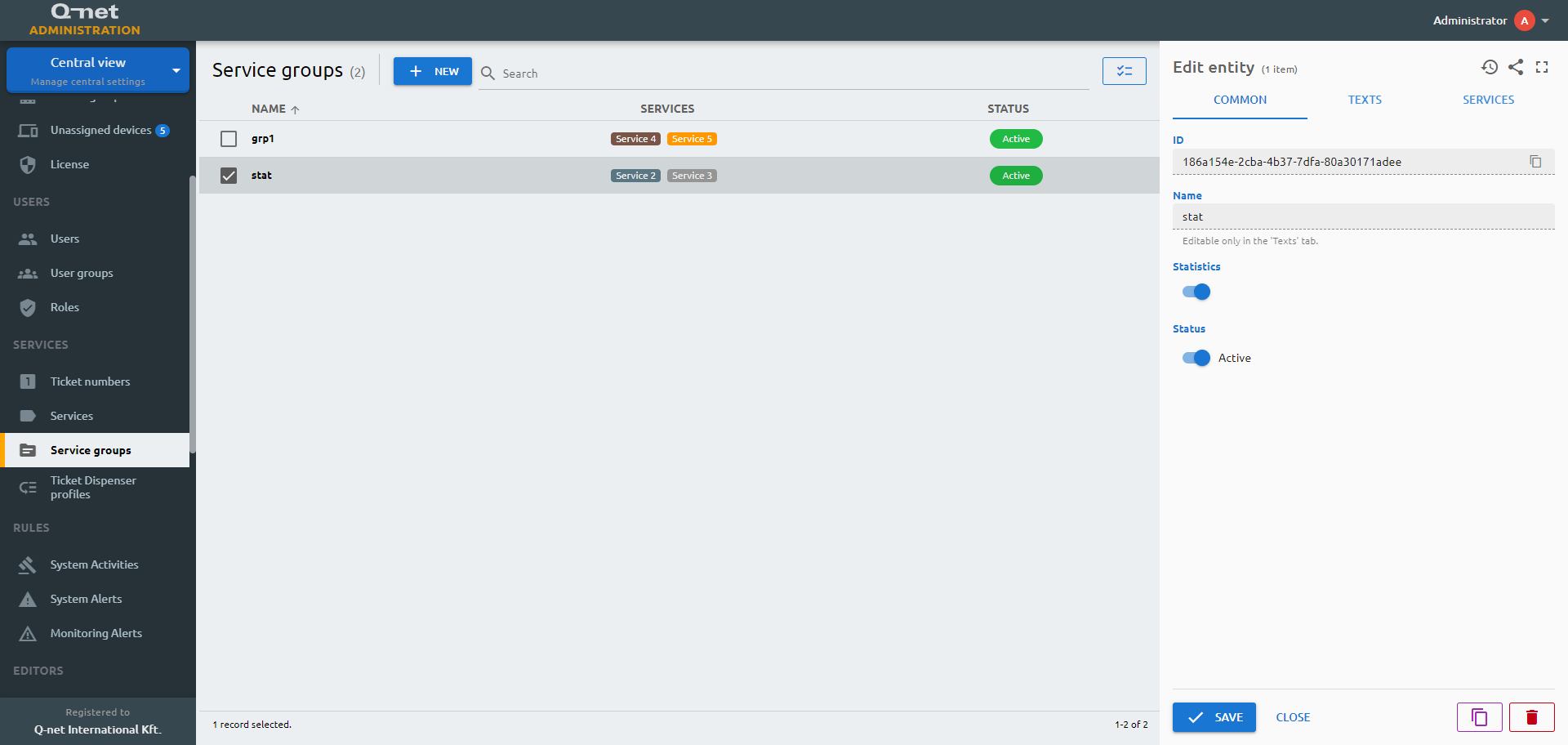
Texts tab
You can edit the texts related to the service group in every enabled language in this tab. The explanation text can show up on the dispenser as a description.
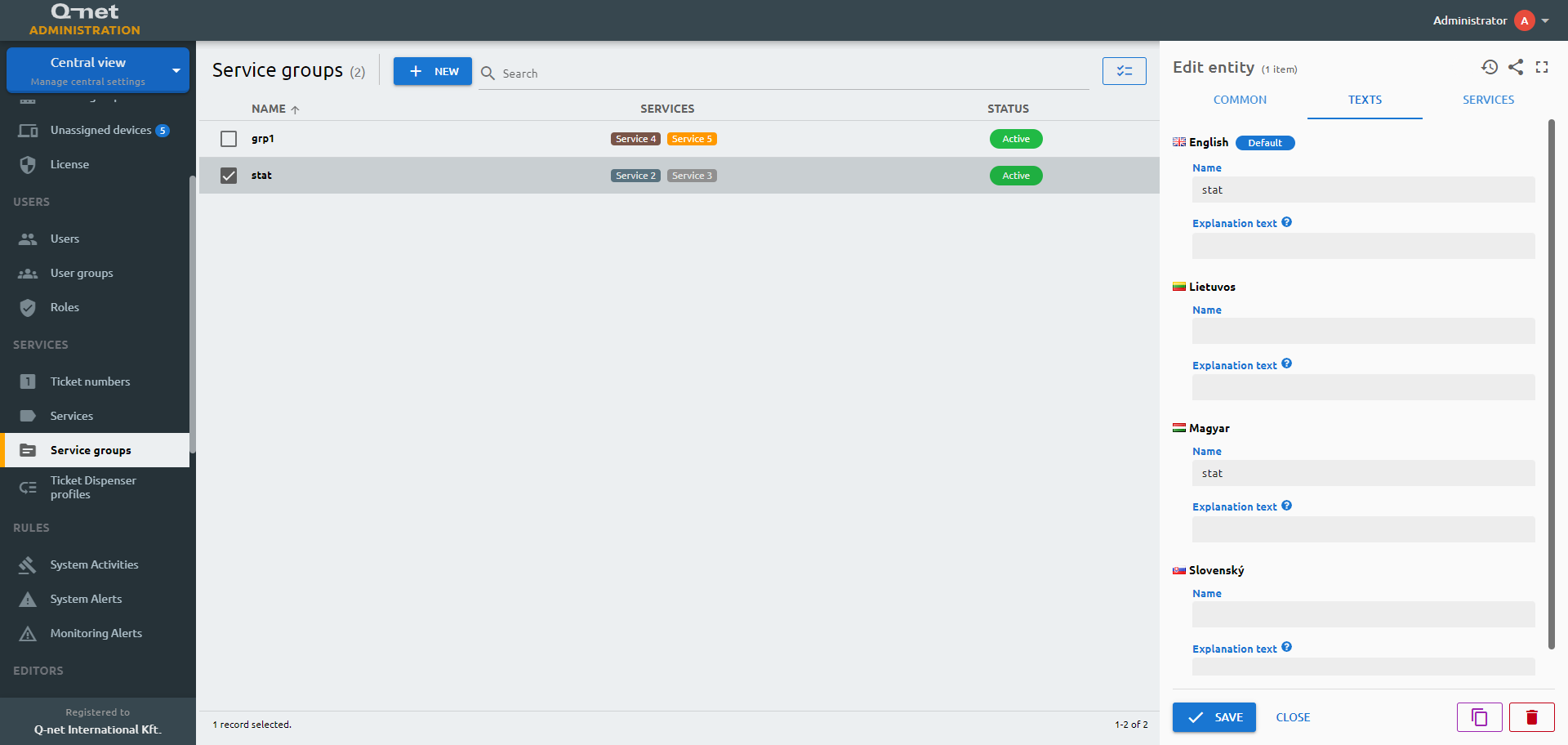
Services tab
Here you can choose the services that should be part of the group.