Feedback
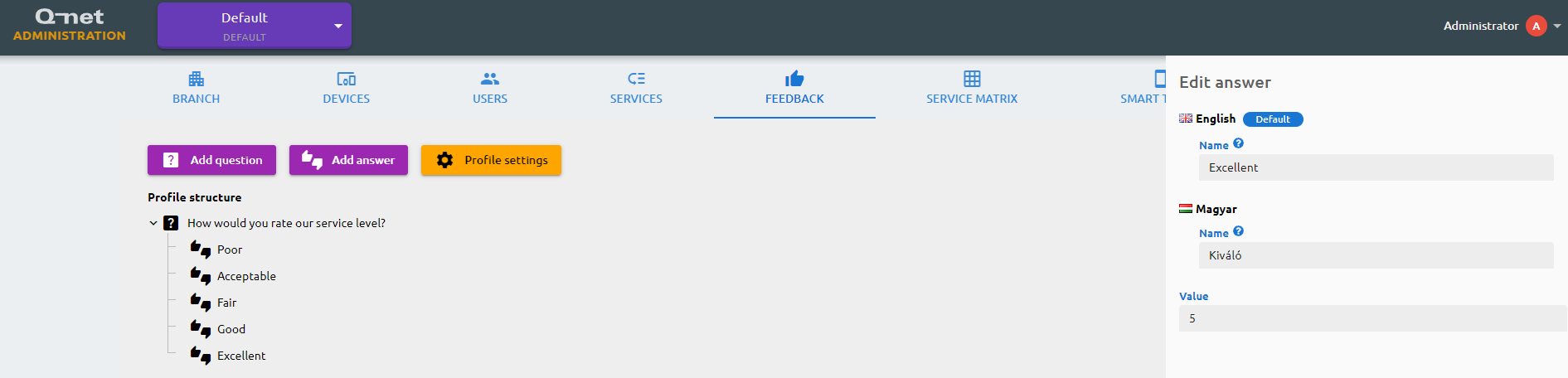
You can configure here the feedback profile, which will be available on the feedback device installed in your branch. The customer can rate the service with the questions and answers you provide here. Each question can have at least one answer, which needs to be specified in each available language. You add questions and answers separately, then arrange them by dragging each answer underneath the question it belongs to. The Profile settings lets you adjust how the feedback screen looks: you can show or hide a header and footer, each with their own left and right text, choose the style of the language selector the customer uses before answering, and select the on-screen keyboard type.