Services
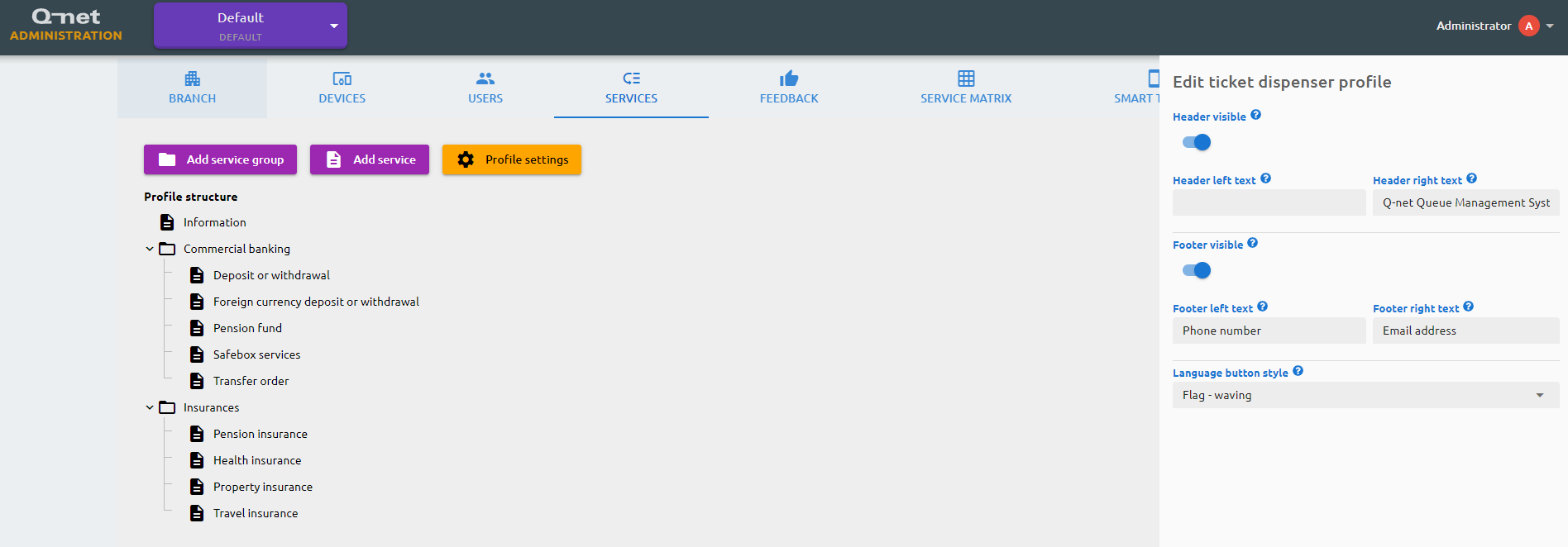
On the services page you can design the structure of the available services in your branch. These services will be selectable on the ticket dispenser and via the smart ticket solution. For each available language you will need to provide the name of the service, and you may fill the explanation text and the ticket comment, where the first one will be shown on the dispenser and the latter will be printed on the ticket. The number interval will determine which numbers will be issued on a new ticket when the specific service selected, and the priority designates the importance of the service, as tickets with higher priority will be called earlier by the clerks. You may add service groups as well, in which you can drag and drop services or other service groups.
The Profile settings let you show or hide the dispenser's header and footer, set the text shown on the left and right side of each, and choose the style of the language selector that customers use to pick the dispenser language before selecting a service.