Advertisements
Advertisement is a special feature that can be set on the ticket dispensers and feedback devices and smart tickets, which will act like an advertisement billboard while they are idle, and advertisements can also be placed on printed tickets. These advertisements can be texts, pictures and videos, or content pulled automatically from an external feed or web service.
The advertisements are associated with a dispenser profile (the smart tickets will take over the ads associated with the selected dispenser profile) or feedback profile or ticket layout (in case of printed ticket ads).
The feedback devices that are paired with a counter will continuously display the ad until the transaction is closed and the feedback can be submitted, the waiting area feedback devices will act like the dispenser, they will show advertisements during the idle time.
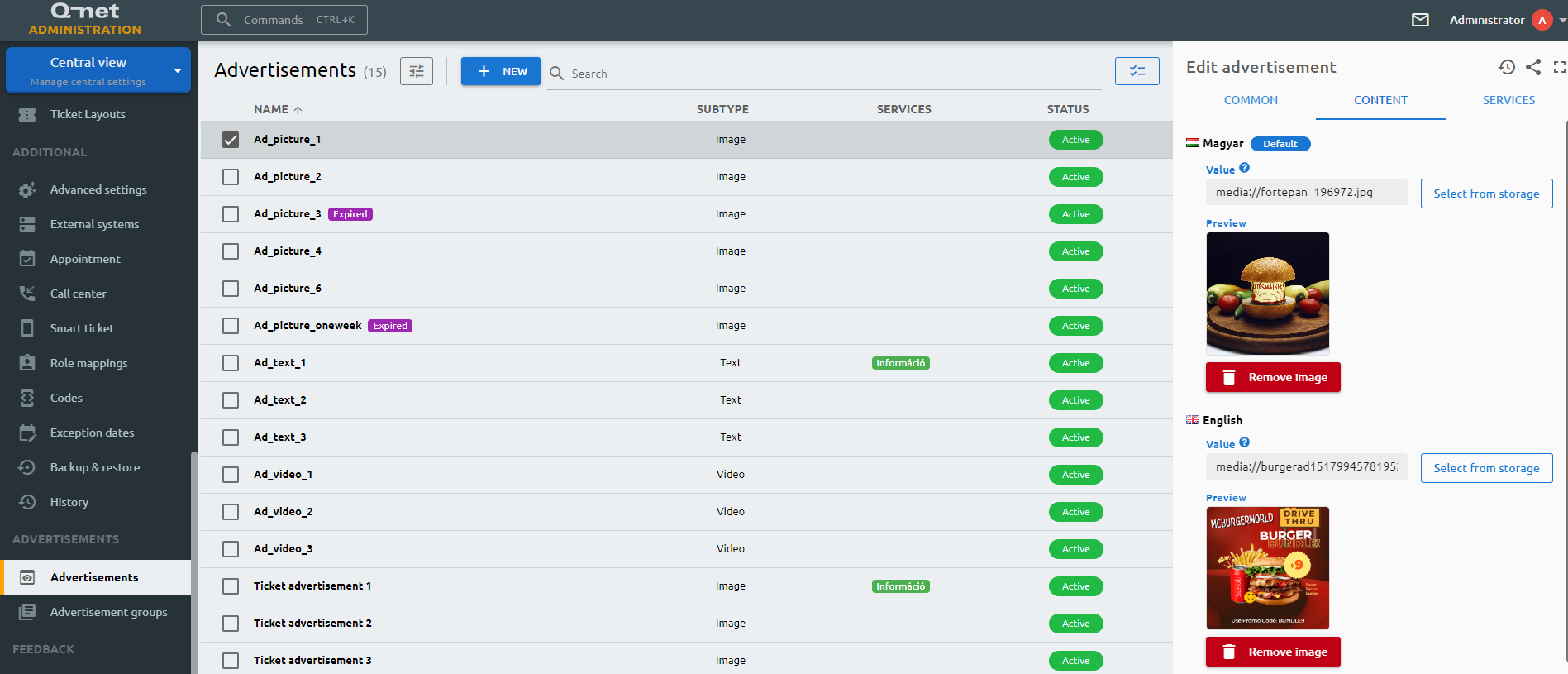
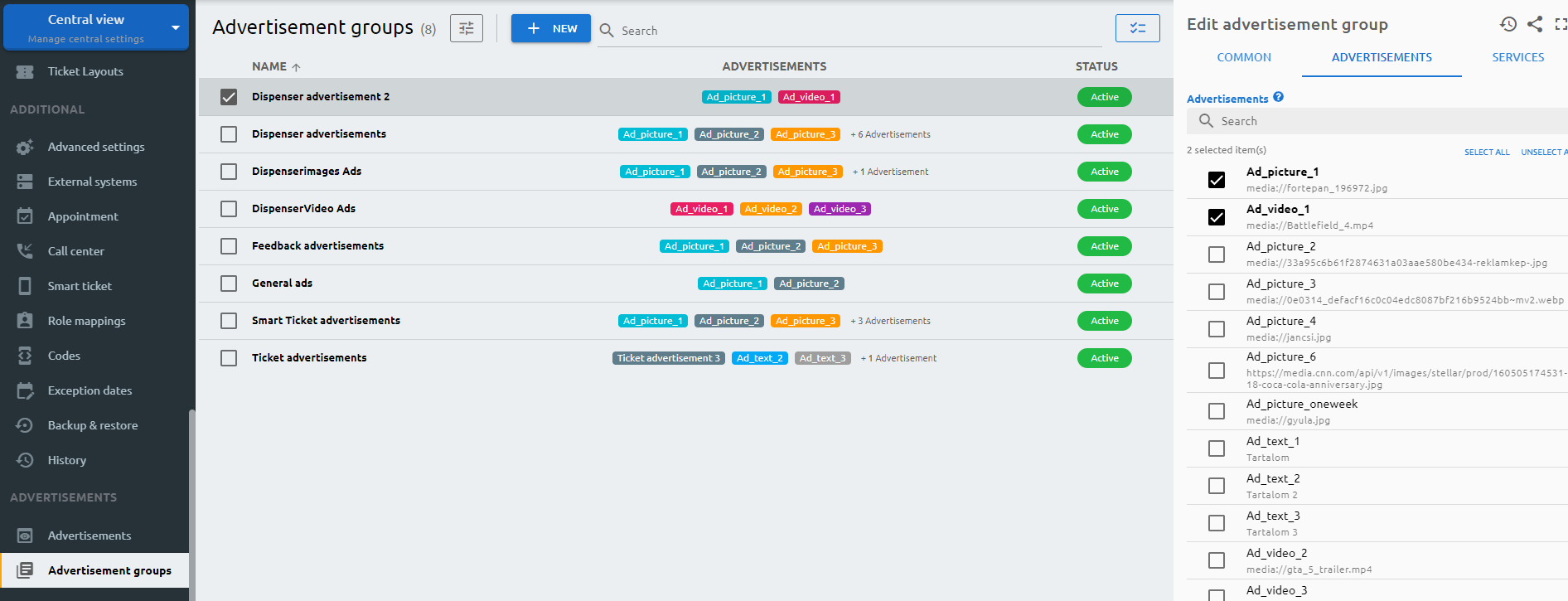
The advertisements have to be sorted into advertisement groups, as these groups will be associated with the profiles and/or services.
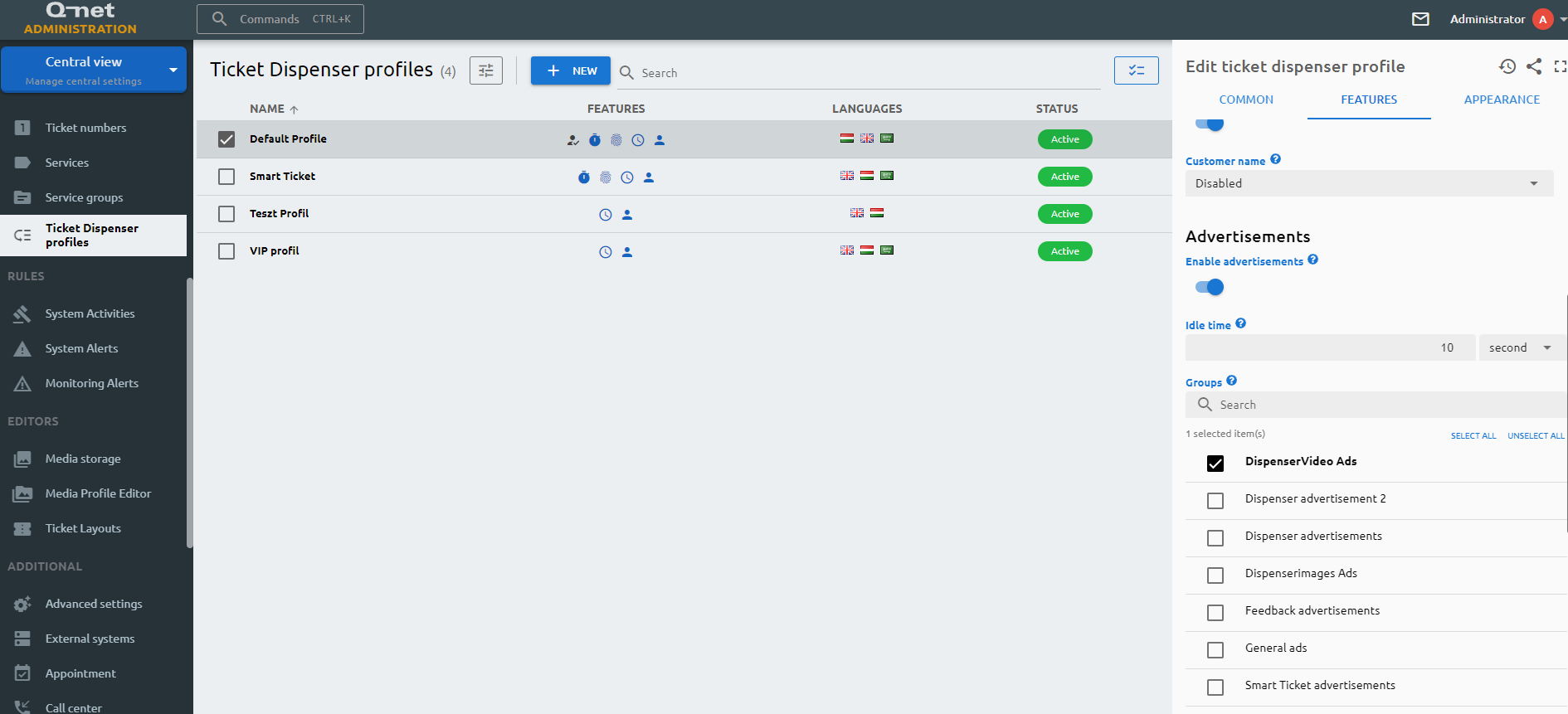
The advertisements themselves has to be enabled in the profile, and then the group can be checked which will be associated with the specific profile.
ID
The ID is given by the system and is required for internal processes, and can serve purposes for debugging in case of issues.
Name
The user-given name of the advertisement
Type
Select the media type of the advertisement. Besides a text, a picture or a video, you can also create an advertisement that pulls in live content from an external feed or web service, so its content updates automatically.
Priority
The priority defines the playing frequency of the ad. For instance, if there are three advertisements with 5, 4, and 1 priorities, out of 10 advertisements, there will be 5, 4, and 1 display instance of each respectively.
Validity start
The advertisement will only be played from this date.
Validity end
The advertisement will only be played until this date.
URL
For text, image and video advertisements, the smart ticket opens this URL when the advertisement is clicked. For RSS and REST advertisements, this is the address the live content is pulled from.
Fix CORS
Turn this on if the external feed or web service blocks direct access, so its content can still be loaded.
Refresh interval
How often the content is re-fetched from the external feed or web service, in minutes.
Item count
The maximum number of items pulled from the external feed or web service.
Formatter
Defines how the content returned by the web service is formatted before it is displayed. Shown for REST advertisements only.
JSON path
The path used to pick out the content to display from the web service response. Shown for REST advertisements only.
Duration
The display duration of the advertisement.
Size
The display format of the advertisement, adjusting the advertisement size to the screen size.
Status
Active/Inactive switch to determine if the advertisement should be active or not.
Advertisement group settings
ID
The ID is given by the system and is required for internal processes, and can serve purposes for debugging in case of issues.
Name
The name of the advertisement group
Playback order
Choose whether the advertisements in this group play in a random order or in a fixed order that you arrange yourself.
Status
Active/Inactive switch to determine if the advertisement group should be used by any device.
Advertisements
The advertisements selected here will be associated with the advertisement group.