Users, User groups, Roles
Users
This area is where all the system users will be created and set up. You can also modify the preconfigured or the existing entries.
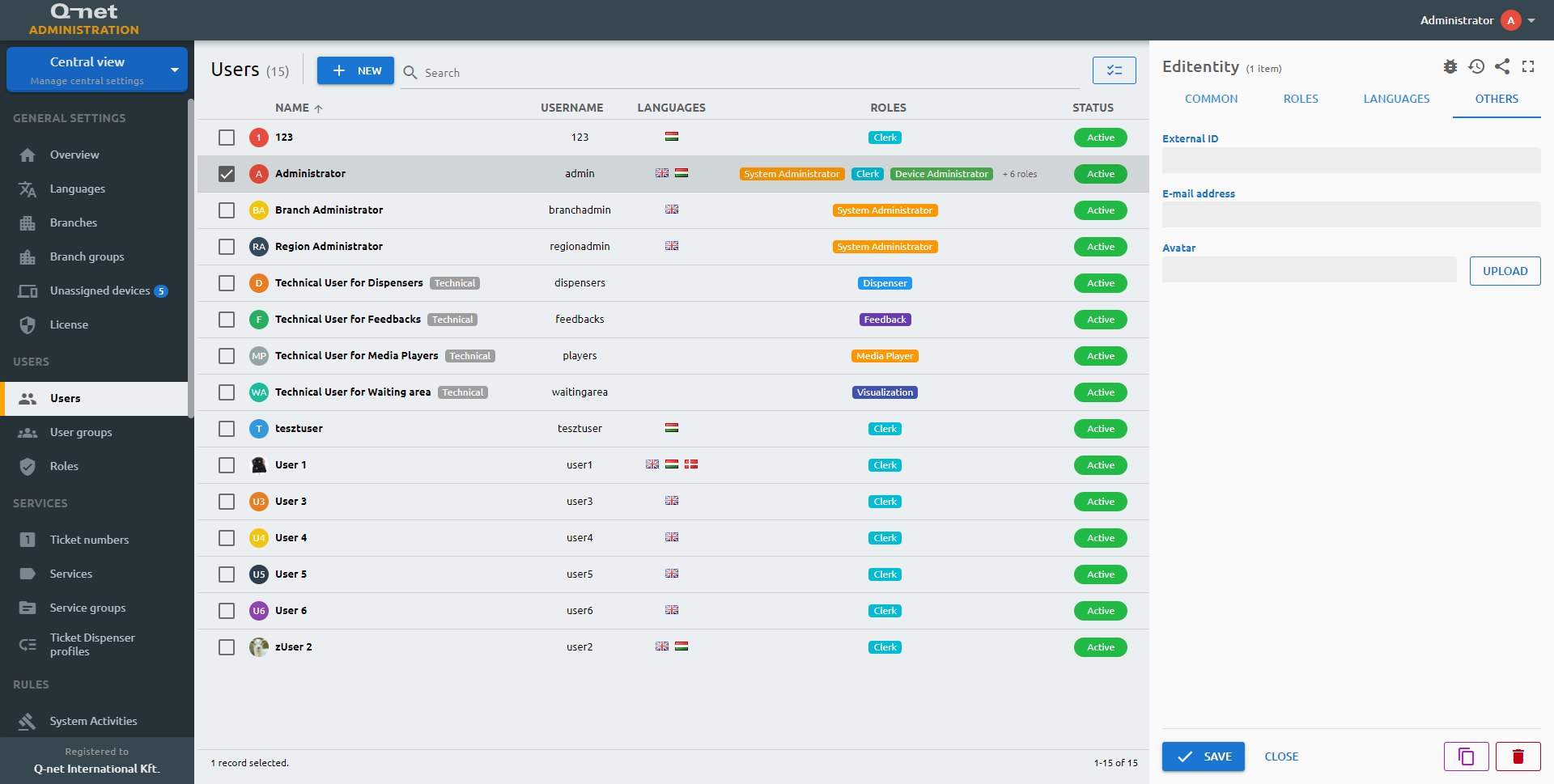
Click on New to create a new user or select one in the list. On the right panel you can see and edit its working parameters:
Common tab
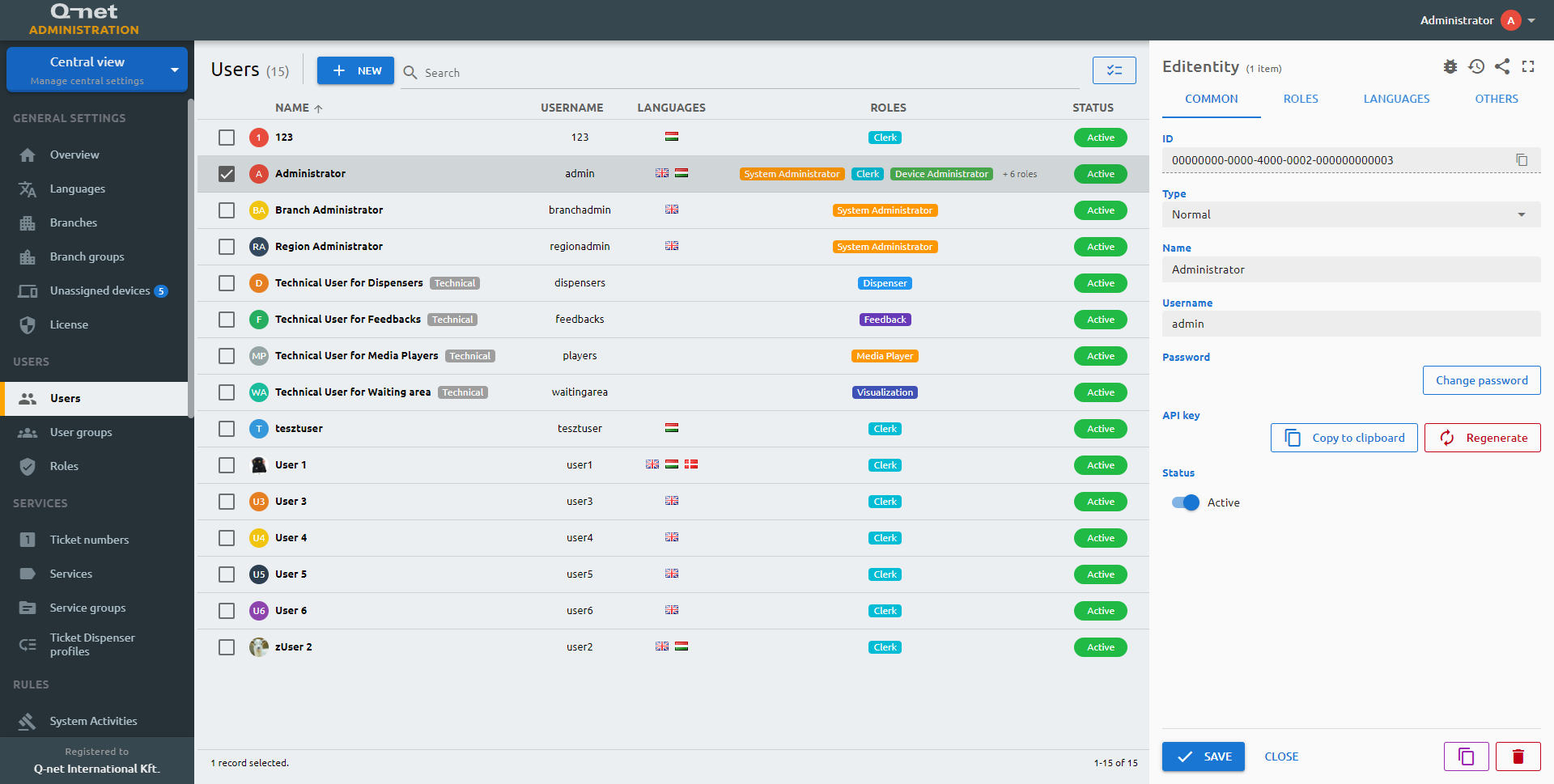
On the Common tab of the property panel you can see the ID and the type of the user, and you can edit the below parameters:
Name
Add a name for the user for proper identification.
Username
The Username is a mandatory field and serves as the login identifier of the selected or newly created user. Allowed characters are: lowercase and uppercase latin letters, numbers, dots and the following signs: ‘@’, ‘_’, ‘-’.
API key
Technical users will be identified with API key instead of username and password. This will appear in the URL of the devices, like ticket dispenser and feedback.
ID
The ID is given by the system and is required for internal processes, and can serve purposes for debugging in case of issues.
Type
The users can be Normal or Technical. System users will be normal users. The technical users are for providing device access.
Password
Provide a secure password for the selected user.
Status
Active/Inactive switch to determine if the user can use the system.
Roles tab
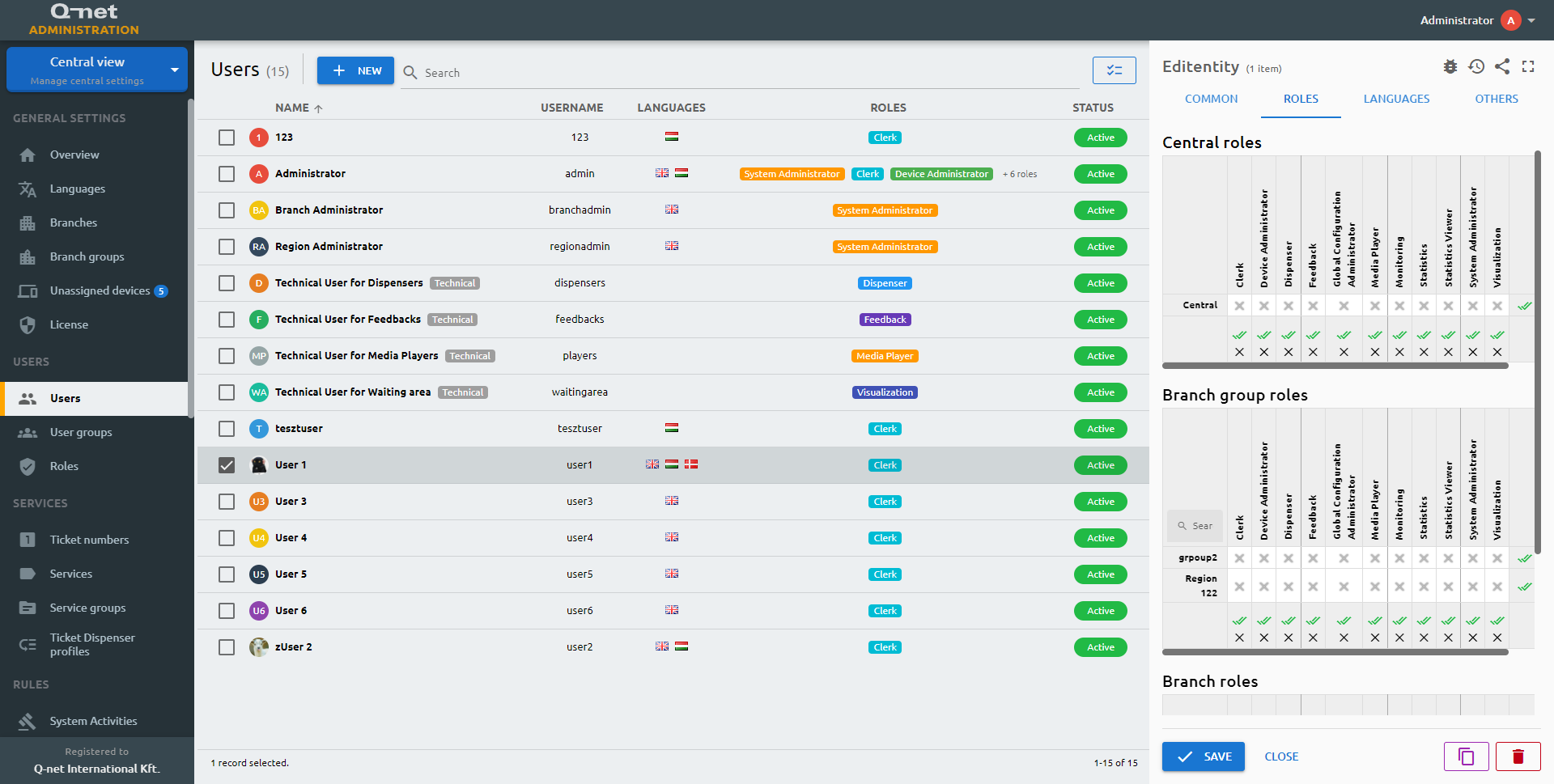
Role management is possible on three levels. Central, branch group and branch level. Here you can decide this user is entitled to which role(s) in the actual level. You will see a selector button on the sides and on the bottom of the matrix. With the help of these buttons you can easily check if a user has the same roles in each and every branch in the level. I.e.: the Administrator user is an administrator in all branches – or another user has all the roles in only one branch.
Languages tab
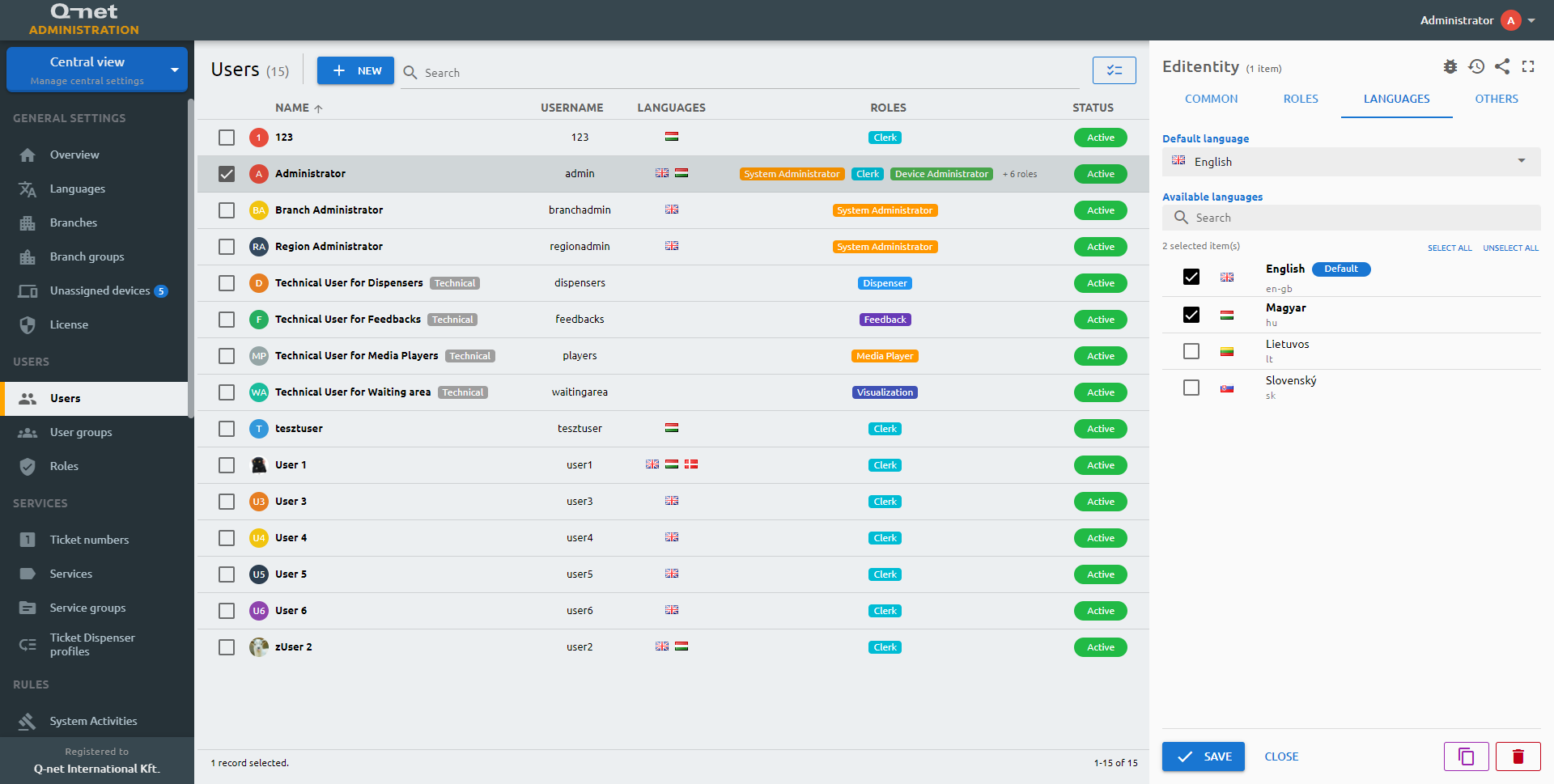
Default language
The system will appear on the selected language
Available languages
User’s spoken language. By default, the clerk is only capable of handling tickets with the necessary language proficiency.
Others tab
External ID
External ID is an optional field, CRM or other ID’s can be stored here.
Email address
E-mail address of the user can be stored here.
Avatar
User image can be uploaded by clicking the Upload button and choosing a file, or by entering an image URL in the field next to it. The selected picture is shown in the preview below.
With AD
If you would like to have a central directory service to be used for user authentication (such as Active Directory) it is possible, please navigate for more information to: LDAP mapping
User groups
User groups can be used in the statistics for additional grouping.
Common tab
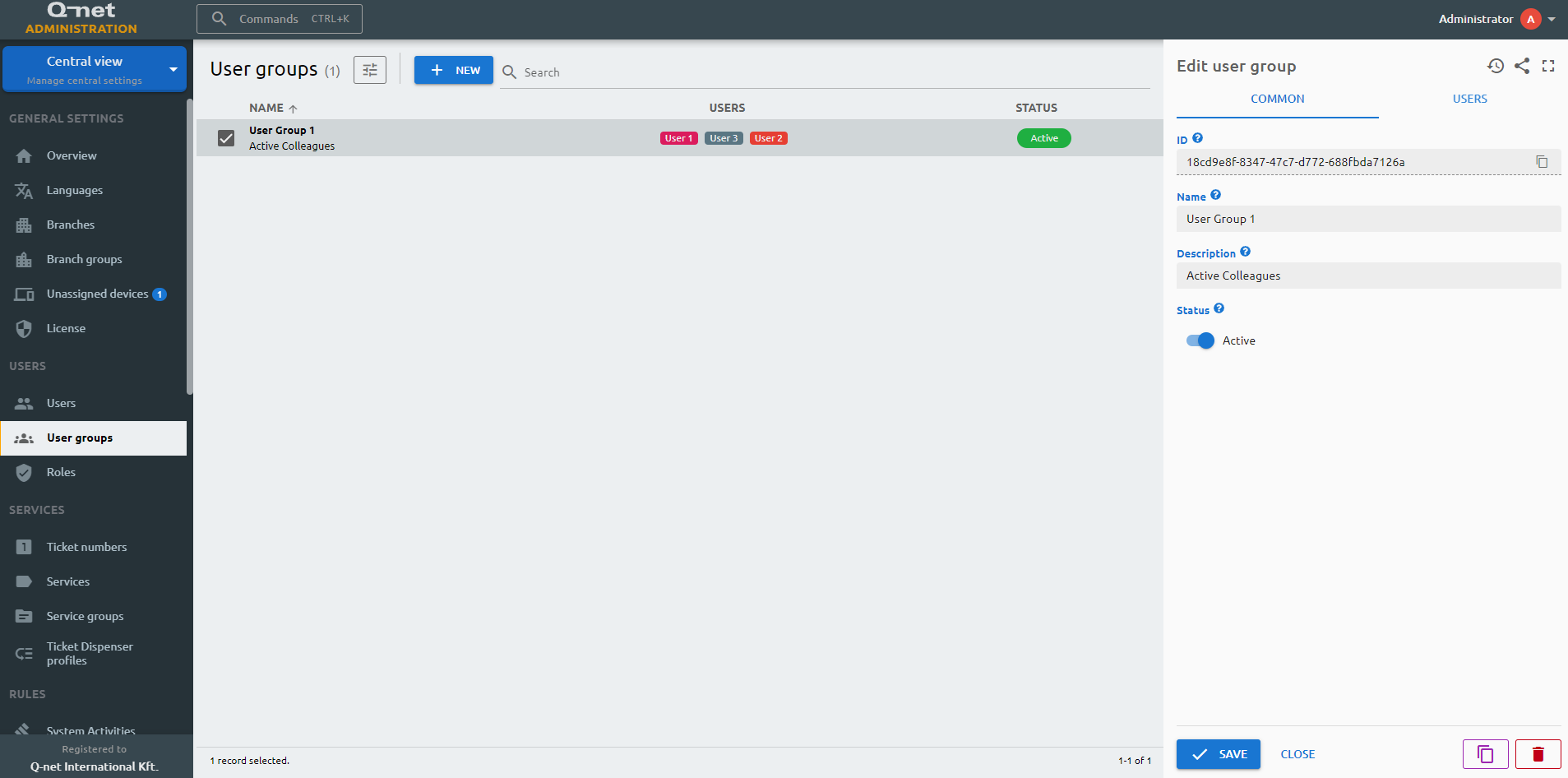
On the Common tab of the property panel you can see the ID and the name of the user group, and you can edit the below parameters.
Name
Name of the group, that will appear in the statistics.
Description
Description for additional information
ID
The ID is given by the system and is required for internal processes, and can serve purposes for debugging in case of issues.
Status
Active/Inactive switch to determine this user group should be operational. User groups are serving statistical purposes, turning the group inactive does not affect the users.
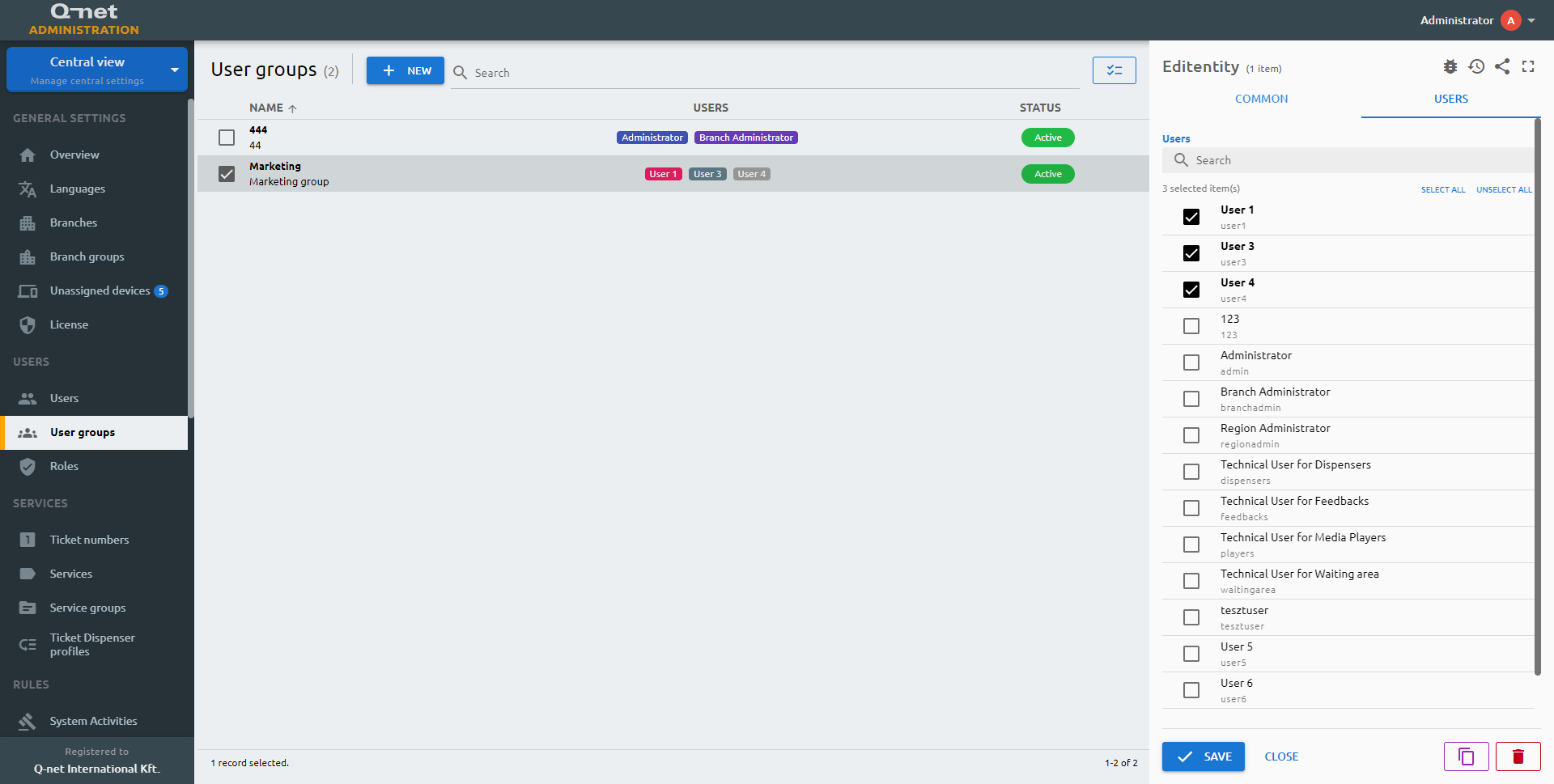
Users
Add or remove users from the group, by using the checkboxes in the beginning of the lines
Roles
You can assign various user roles or privileges to the system users. You can organize and configure these “accesses” here. We recommend that you set up all the roles here first and then the users once the roles are done.
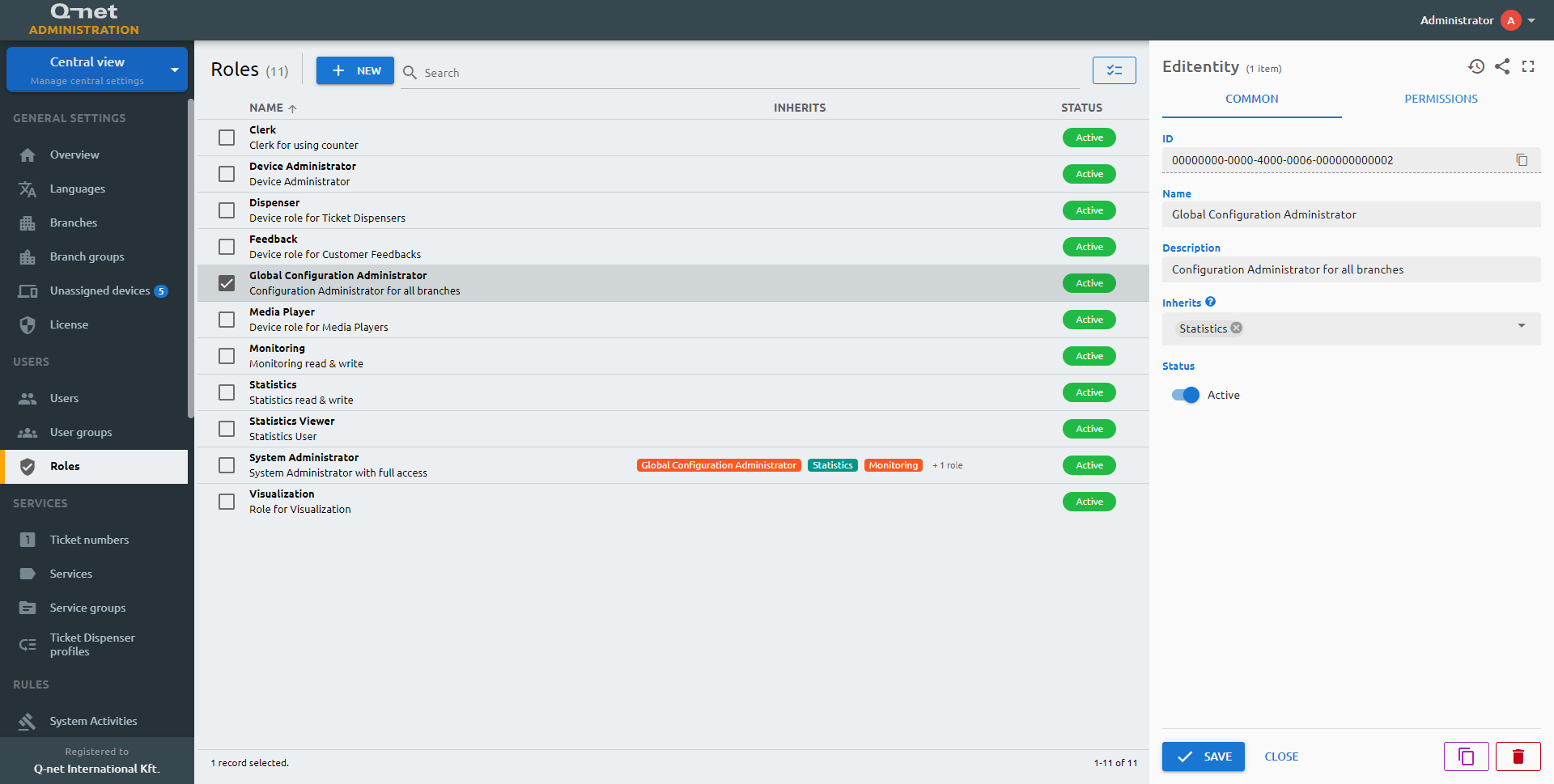
Common tab
Name
The user-given name of the role.
Inherits
You can inherit roles from a parent role and give them extra permissions.
ID
The ID is given by the system and is required for internal processes, and can serve purposes for debugging in case of issues.
Description
Description for additional information
Status
Active/Inactive switch to determine if the role should be applied to the users.
Permissions tab
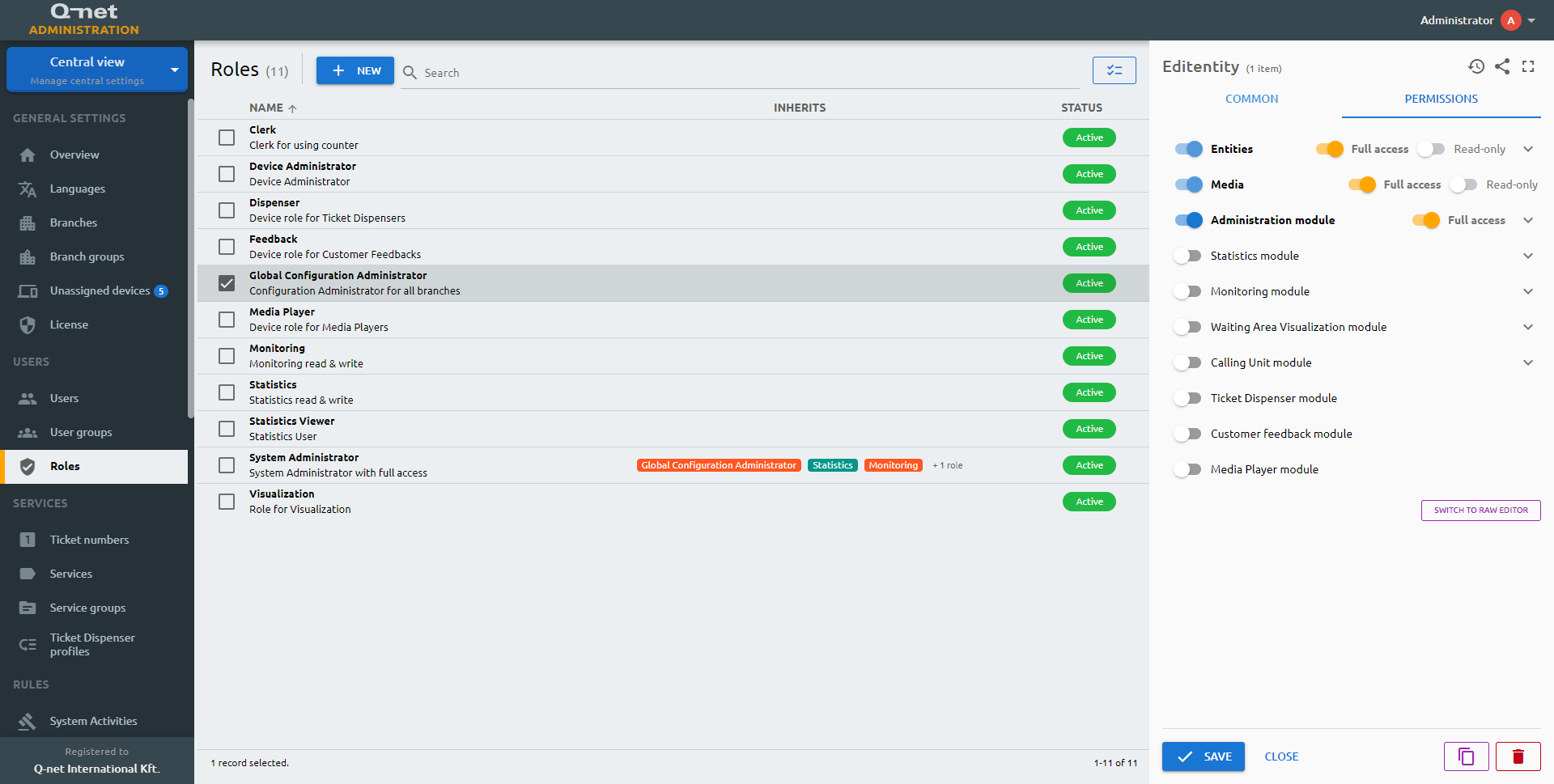
The functions and accesses of the roles in the system are defined by this permission selection. You can set up various grants or limitations.