Smart Ticket
Common tab
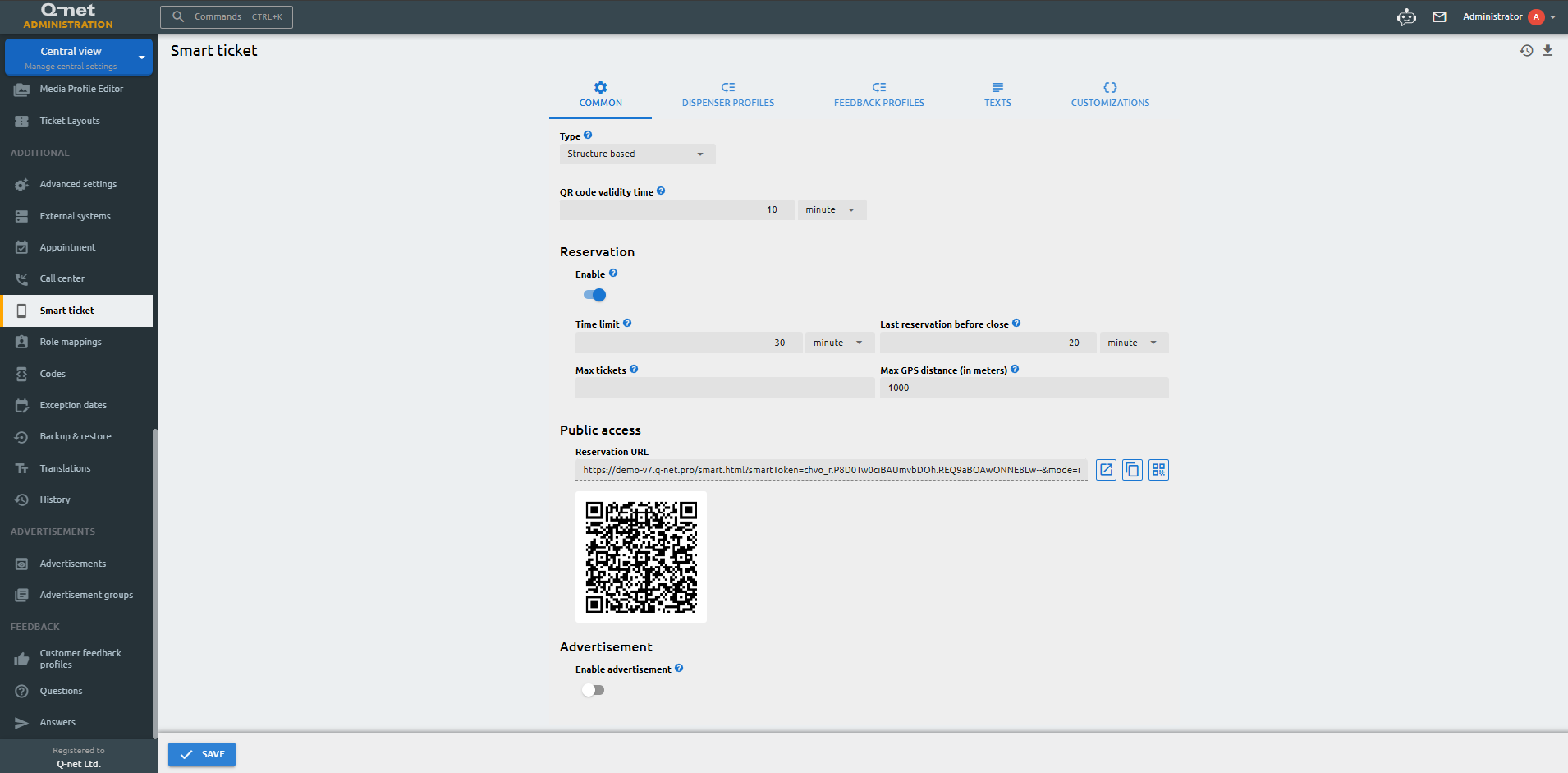
Smart Ticket mode
Choose how the Smart Ticket works. In Structure based mode, customers request a ticket and the Dispenser profiles and Feedback profiles you configure are used. In Workflow based mode, the whole customer journey follows a workflow that you design in the editor.
QR code validity time
Time interval in minutes, until a QR code is valid. The QR code is regenerating on the dispenser with this time interval.
Enable reservation
Enabling this feature will allow customers to reserve a ticket prior to their arrival at the branch, but they will need to confirm it using their device upon arrival.
Time limit
Validity of the reserved ticket
Max tickets
Max tickets that can be reserved
Enable advertisement
Enable or disable advertisements for Smart Ticket.
Last reservation before close
The last reservation can be placed before the branch close.
Max GPS distance (in meters)
The reservation will be confirmed if the given distance between customer and the branch’s GPS location is less than the provided distance.
Advertisement groups
Select the advertisement groups which will appear on the smart tickets.
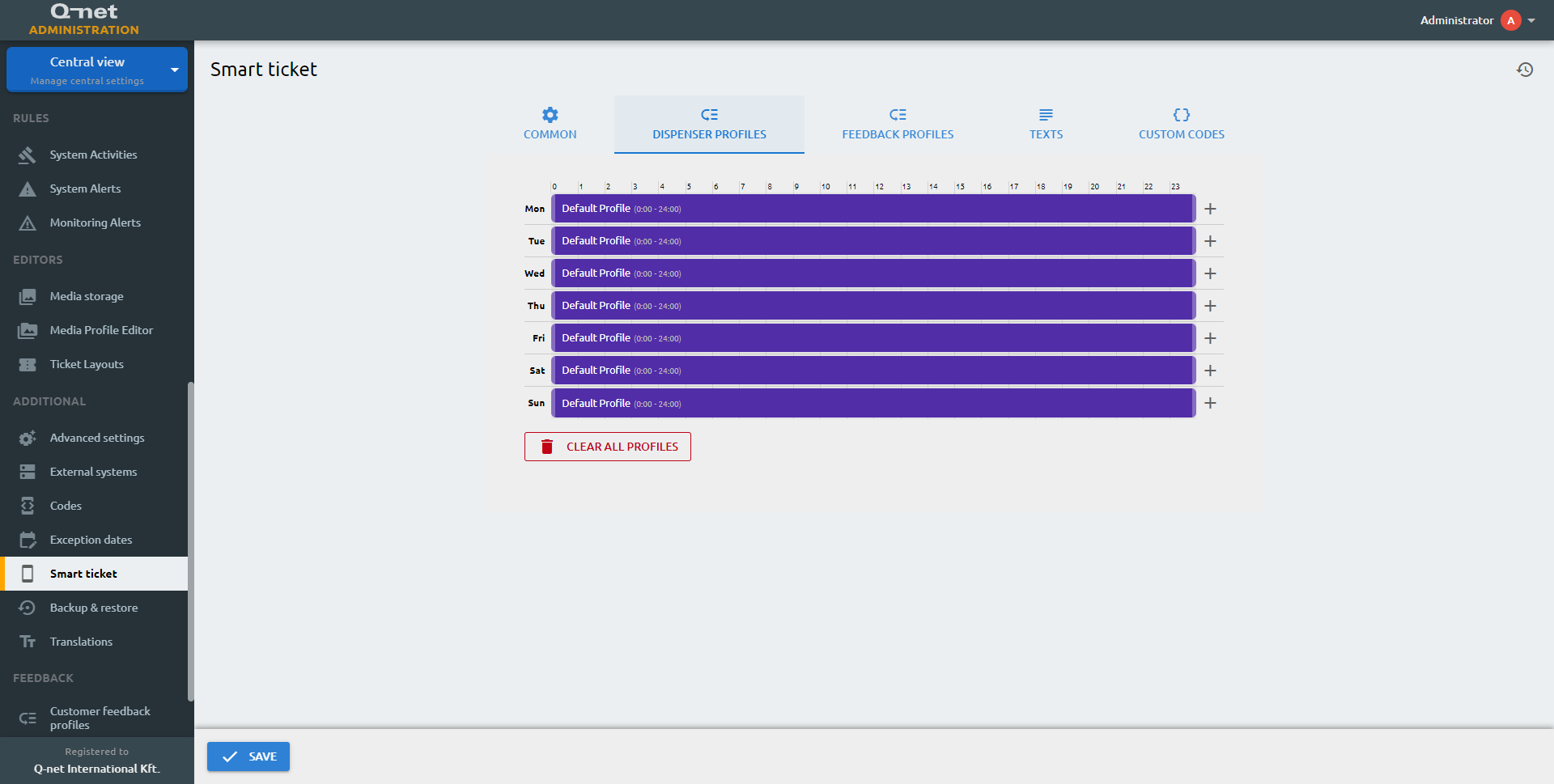
Dispenser profiles
Ticket dispenser profile that will appear on the Smart Ticket page.
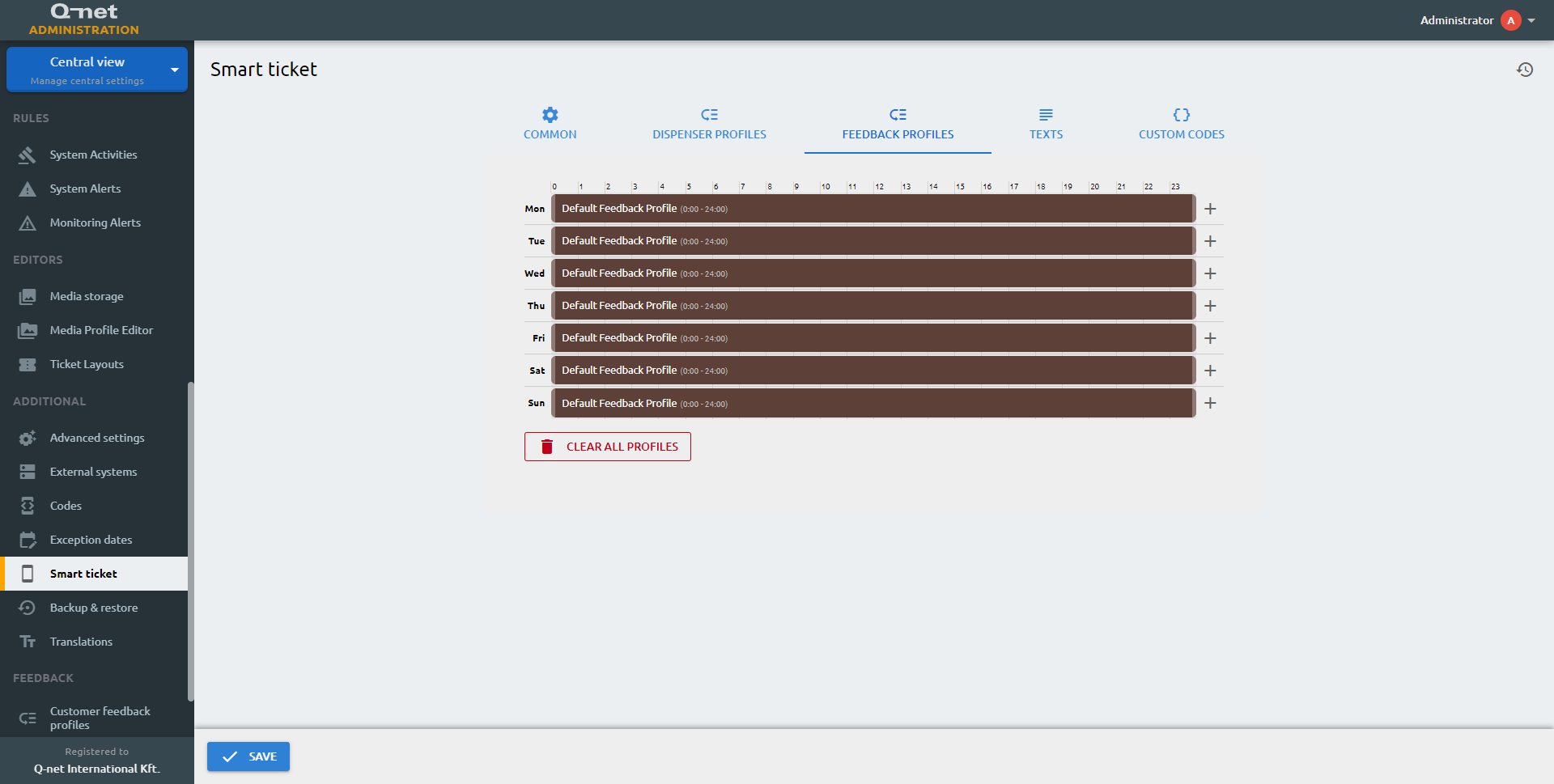
Feedback profiles
Feedback profile that will appear after the successful transaction.
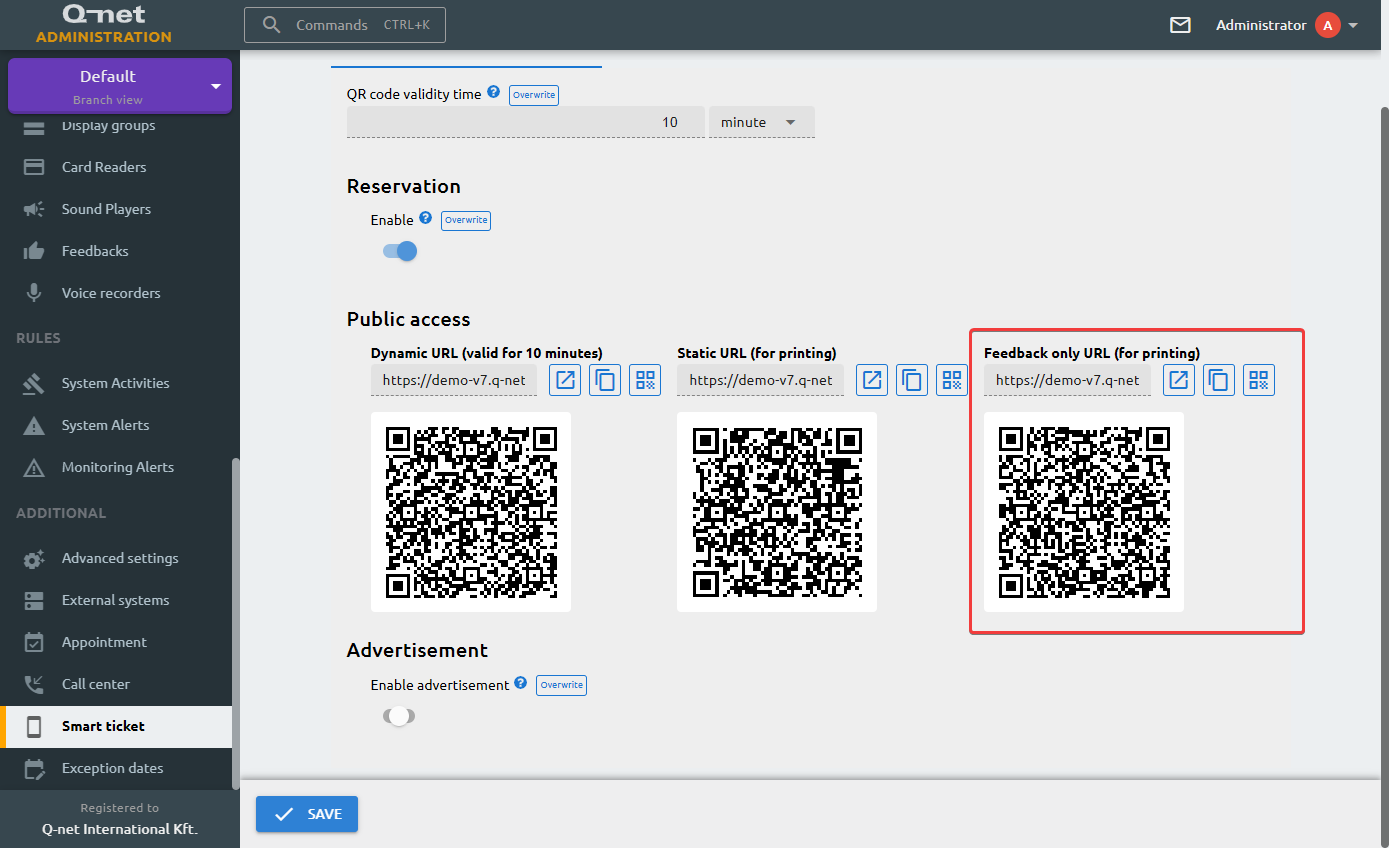
Smart Ticket Feedback Only mode
The Smart Ticket can be opened in "Feedback Only" mode. In this case, it is not possible to request a ticket; after opening, the application asks the user for the ticket number. If it is valid, the Customer Feedback questions and answer options are displayed. This is useful if you want to ask customers to provide feedback at the end of the transaction using a Smart Ticket QR code posted on the wall.
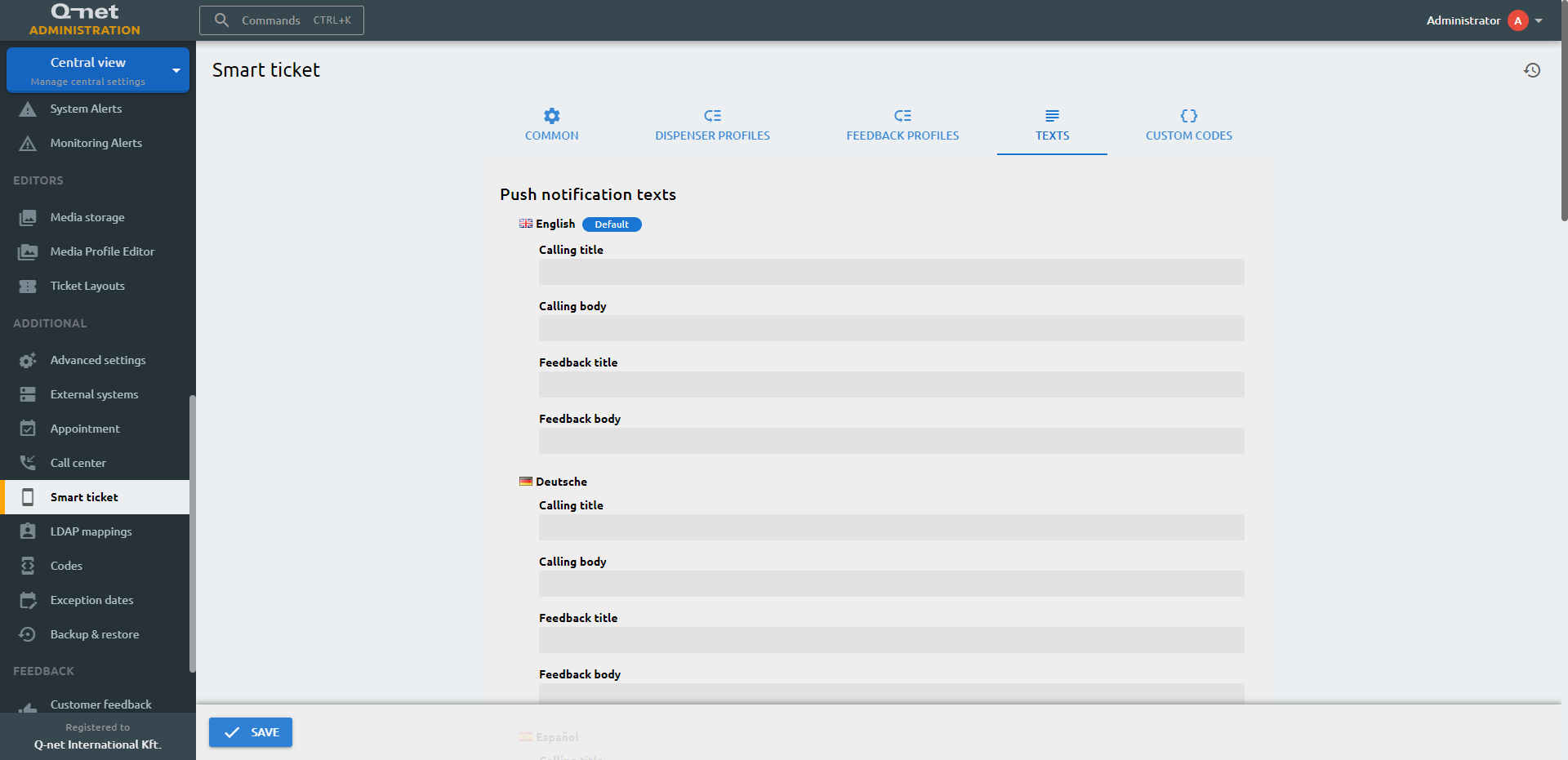
Texts
In this tab you have to fill the smart ticket related texts in every active language.
Custom codes
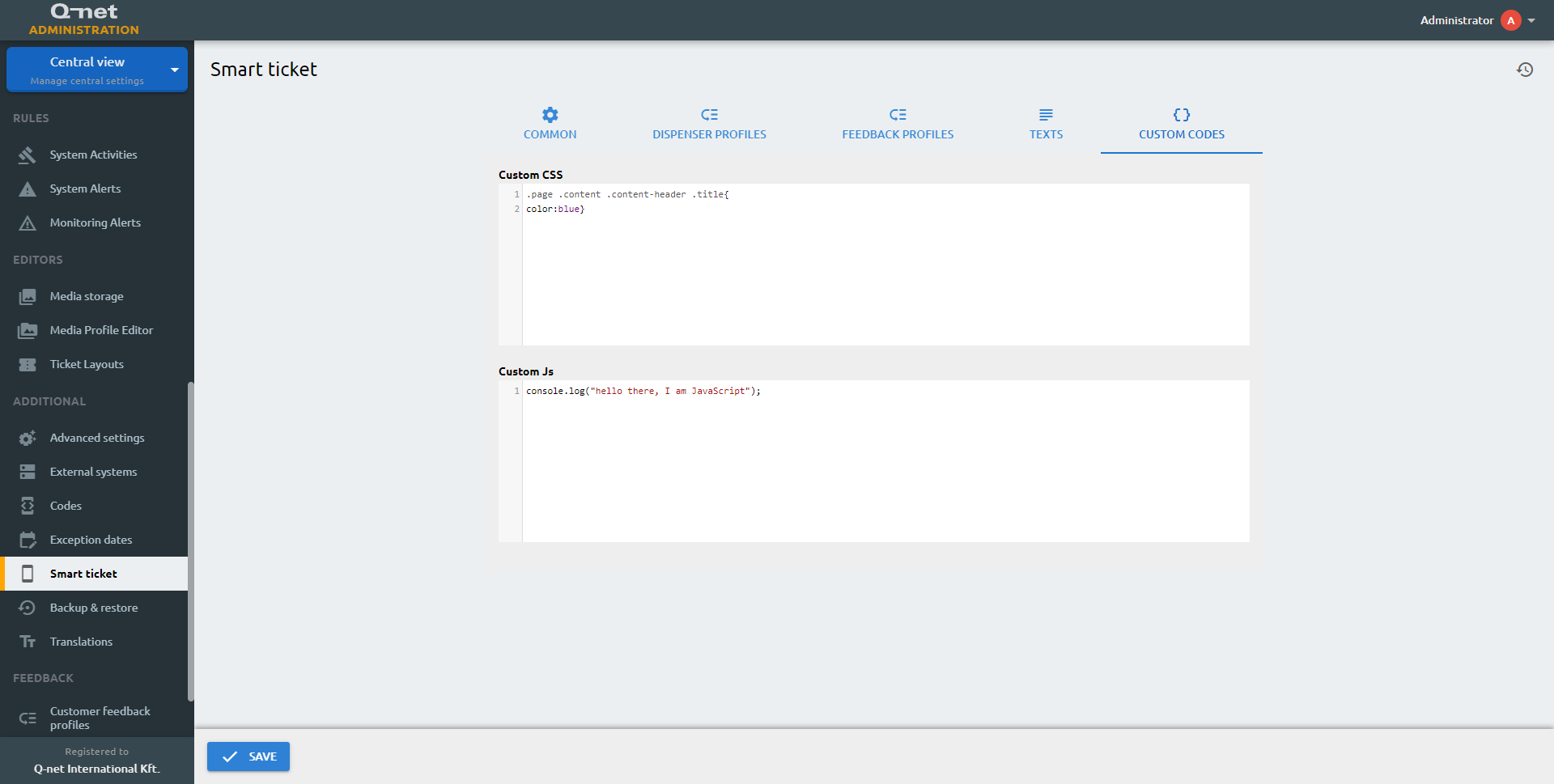
Custom CSS
The Custom CSS editor allows you to customize the appearance of your smart ticket page without overwriting any other customizations.
Custom JS
If you want to enhance the smart ticket page front-end functionality, you can add JavaScript to it.